CAD · Free online course
FEA for Mechanical Engineers: Ansys Student and FreeCAD
How a mechanical engineer sets up, runs and checks a finite element analysis: the stiffness method, elements and degrees of freedom, geometry idealisation, meshing, supports and loads, static stress, mesh convergence and stress concentration, contacts and bolted joints, modal, thermal, buckling and fatigue, in Ansys Mechanical (the free Ansys Student edition) and the FreeCAD FEM workbench with CalculiX, with every result checked against a hand calculation.
- 15 modules
- 14h 10m of video
- Intermediate
- English
- ₹0, free
₹0Free for good
Worth ₹7,999 by length and depth against classroom training. It has always been free; that is not a former price.
No card. Checkout takes a minute and gives you a receipt.
Overview
About FEA for Mechanical Engineers: Ansys Student and FreeCAD
How a mechanical engineer sets up, runs and checks a finite element analysis: the stiffness method, elements and degrees of freedom, geometry idealisation, meshing, supports and loads, static stress, mesh convergence and stress concentration, contacts and bolted joints, modal, thermal, buckling and fatigue, in Ansys Mechanical (the free Ansys Student edition) and the FreeCAD FEM workbench with CalculiX, with every result checked against a hand calculation.
FEA for Mechanical Engineers: Ansys Student and FreeCAD is a free, self-paced online course from EDWartens for mechanical, production and aerospace graduates, design engineers and CAD users moving into stress analysis and simulation. It has 15 modules and 14h 10m of video lessons by Ansys Learning, Ansys How To, The Efficient Engineer and others, with written notes and worked problems, a practical project with a document pack and a 15-question final assessment (pass mark 60%). Learning is free with an account; an optional certificate with a public verification code is issued when you pass. Last updated 27 September 2026.
Who it is for: Mechanical, production and aerospace graduates, design engineers and CAD users moving into stress analysis and simulation
This course includes
- 14h 10m of video lessons
- 15 modules with written notes and diagrams
- One final assessment: 15 questions, pass mark 60%
- Ask-an-engineer support from practising engineers
- Lifetime access, the course does not expire
- Optional verifiable certificate when you finish
- Step 1 of 3
Learn the 15 modules
14h 10m of video lessons, written notes and a practice task per module, at your own pace.
- Step 2 of 3
Pass the final assessment
15 questions drawn from every module, pass mark 60%, 3 attempts.
- Step 3 of 3
Take the certificate, if you want it
Optional, paid once, only if you choose it. The course stays free either way.
See the certificate and its price
A look inside
From the lessons

What finite element analysis is and when to use it
by The Efficient Engineer
Ansys Student, Workbench and a first static analysis
by Ansys Learning

Meshing: element size, shape, order and quality
by Ansys Learning
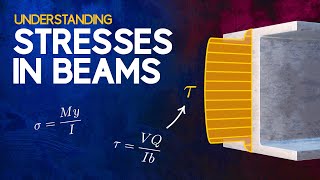
Static structural results: stress measures and checking them
by The Efficient Engineer

Contacts, assemblies and bolted joints
by Ansys Learning

Thermal analysis and thermal stress
by Ansys Learning
Lesson frames belong to the creators named in the Credits and are shown from YouTube.
What you learn
What you will be able to do
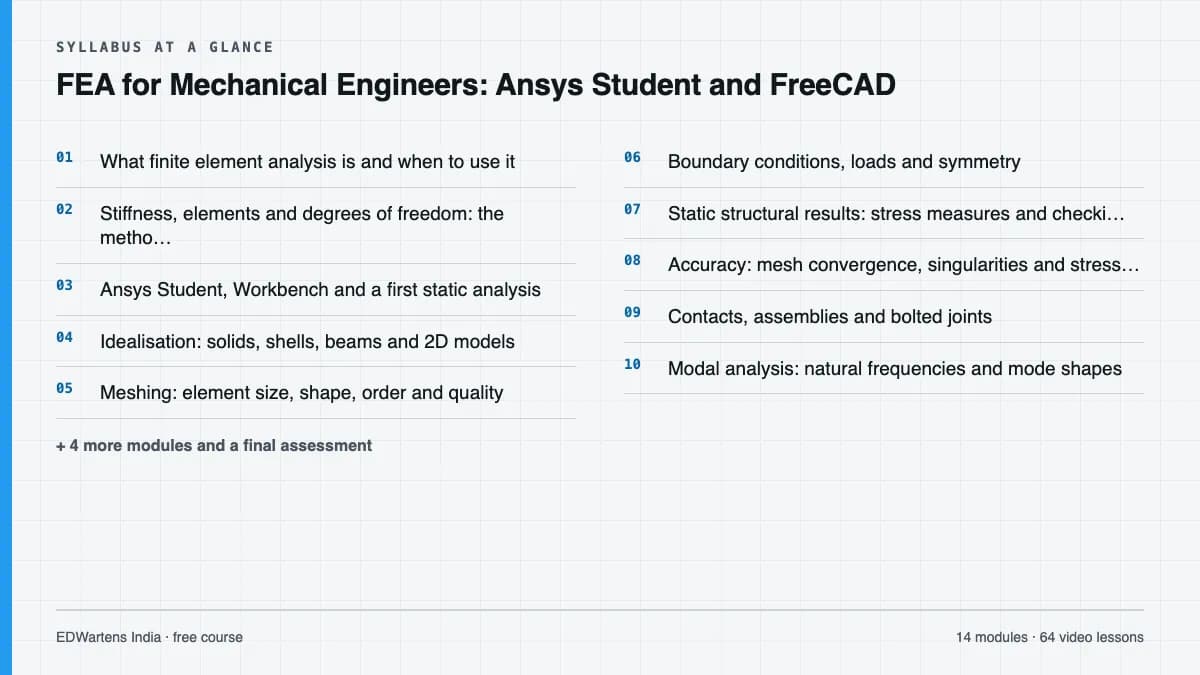
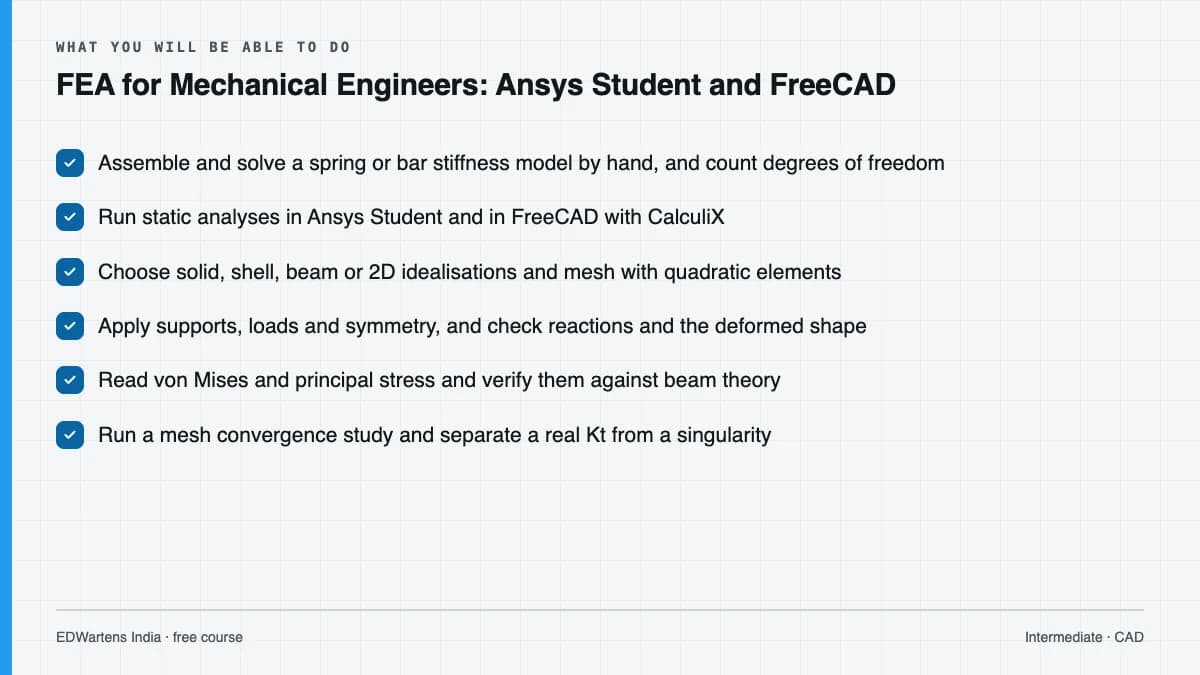
Explain how the finite element method turns a part into a stiffness matrix and solve a small spring and bar model by hand; set up Ansys Student and the FreeCAD FEM workbench and run a first static analysis; choose solid, shell, beam or 2D idealisations; mesh with the right element size and order; apply supports, loads and symmetry without over- or under-constraining; read deformation, von Mises and principal stress and compare them with beam theory; run a mesh convergence study and tell a real stress concentration from a singularity; model bonded, frictional and bolted connections; find natural frequencies, thermal stresses and linear buckling loads; make a first fatigue estimate with an S-N curve and the Goodman line; and verify, validate and report a study so a checker can trust it.
- Assemble and solve a spring or bar stiffness model by hand, and count degrees of freedom
- Run static analyses in Ansys Student and in FreeCAD with CalculiX
- Choose solid, shell, beam or 2D idealisations and mesh with quadratic elements
- Apply supports, loads and symmetry, and check reactions and the deformed shape
- Read von Mises and principal stress and verify them against beam theory
- Run a mesh convergence study and separate a real Kt from a singularity
- Model contacts and bolt preload, and find frequencies, thermal stress and buckling loads
- Make a Goodman fatigue estimate and write a verified, validated FEA report
Syllabus
Course content, module by module
In order, at whatever pace suits you. Each module ends with a practice task that builds on the last.
- Modules
- 15
- Video lessons
- 65
- Of video
- 14h 10m
- Final questions
- 15
- 01
What finite element analysis is and when to use it
3 lessons · 39m - 02
Stiffness, elements and degrees of freedom: the method by hand
3 lessons · 36m - 03
Ansys Student, Workbench and a first static analysis
4 lessons · 50m - 04
Idealisation: solids, shells, beams and 2D models
4 lessons · 1h 19m - 05
Meshing: element size, shape, order and quality
4 lessons · 1h 17m - 06
Boundary conditions, loads and symmetry
5 lessons · 1h 29m - 07
Static structural results: stress measures and checking them
5 lessons · 58m - 08
Accuracy: mesh convergence, singularities and stress concentration
5 lessons · 1h 16m Final assessment · 15 questions, pass mark 60%
Project
The course project
Optional practice that ends in the kind of job the course prepares you for, with the documents that go with it.
About 16 hours
Validated FEA of an instrument bracket on a pump skid: static stress, mesh convergence, natural frequency, fatigue and bolts
Check a steel instrument bracket on a vibrating pump skid the way a design engineer signs one off: write the analysis specification, work the hand calculations, build and converge a model in Ansys Student or FreeCAD, check its natural frequency against the pump speed, make a Goodman fatigue estimate, check the bolted base, and write a report a checker can follow. The sample pack shows each document for a fictional skid builder.
Sample document pack, 5 documents, filled in for the scenario
- ReportAnalysis specification: instrument bracket arm, pump skid
- ReportHand calculations: bracket arm, frequency, fatigue and base bolts
- Test reportVerification record: mesh convergence and hand-calculation checks
- ReportFEA report summary: results against criteria and recommendation
- ProcedureFEA model checking procedure before sign-off
Read inside the course and download as a workbook. The project is optional practice, marked when you submit it; the certificate needs only the modules and the final assessment.
Tools
Software, hardware and lessons
Software
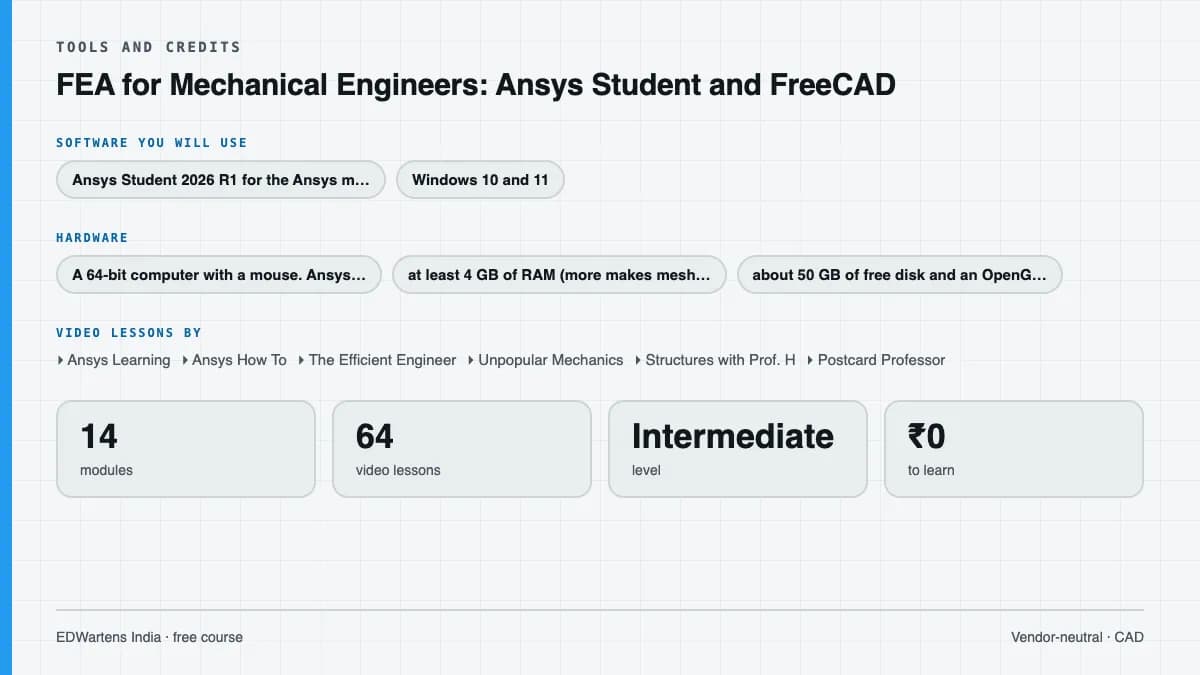
Ansys Student 2026 R1 for the Ansys modules: free for learning, Windows 10 and 11 (64-bit) only, structural models up to 128K nodes or elements, educational use only. FreeCAD 1.1 with its FEM workbench and the bundled CalculiX solver for the open-source route: free for any use on Windows, macOS and Linux. A spreadsheet for hand calculations. On a Mac or Linux machine FreeCAD alone covers every exercise.
Hardware
A 64-bit computer with a mouse. Ansys Student needs Windows 10 or 11, at least 4 GB of RAM (more makes meshing and solving faster), about 50 GB of free disk and an OpenGL-capable graphics card. FreeCAD runs on more modest machines.
Who it is for
Intermediate. For mechanical, production and aerospace graduates and diploma holders, design engineers and CAD users who want to run stress analysis and trust the answer. You need strength of materials (stress, strain, beam bending, Euler buckling) and basic 3D CAD; no FEA experience is needed. SolidWorks 3D Modelling and Fusion 360 3D Design teach the modelling and GD&T to ASME Y14.5 teaches tolerancing; this course starts once the part exists.
Video lessons by
- Ansys Learning
- Ansys How To
- The Efficient Engineer
- Unpopular Mechanics
- Structures with Prof. H
- Postcard Professor
- Jousef Murad | Deep Dive
- DrDalyO
- Not Real Engineering
- cornellsimulation
- Meshing4u
- Less Boring Lectures
- The Design Engineer
- MangoJelly Solutions for FreeCAD
- MEC 3D
- Computerized Engineering
- Learn Engineering
Independent creators, credited in full under Credits.
Software you need
What to download, where from, what it costs and how to install it. Every link goes to the maker's own site, never a mirror.
Ansys Student runs on Windows only; FreeCAD with CalculiX covers every exercise on Windows, macOS and Linux. Modules 1 and 2 need only a calculator or spreadsheet.
One FEA tool for the hands-on modules (FEA3 to FEA14)
Any one is enough.
- 01Free: student edition, 128K-node structural limit
Ansys Student
Ansys (part of Synopsys)
- Runs on
- Windows 10 and 11, 64-bit only
- Account
- The short registration form on the Ansys download page, where it asks for one
- Size
- about 50 GB of free disk space (the maker's minimum)
Ansys Student 2026 R1 is a free Workbench bundle for educational use only: self-learning, student instruction, student projects and demonstrations. Structural models are limited to 128K nodes or elements and fluids to 1 million cells, and geometry cannot be exported. The licence is a renewable twelve-month lease; the 2026 R1 built-in licence runs until 31 March 2027.
Steps
- 1.Open the Ansys Student page on ansys.com (it now opens on ansys.synopsys.com).
- 2.Check the PC: Windows 10 or 11 64-bit, administrator rights, about 50 GB free on a physical C: drive.
- 3.Uninstall any older Ansys release, then download Ansys Student 2026 R1.
- 4.Extract the files, right-click setup.exe, choose Run as Administrator and accept the defaults.
- 5.Reboot, start Workbench from the Start menu and add a Static Structural system.
- On a Mac or Linux machine use FreeCAD with CalculiX: it covers every exercise in the FEA course.
- Install the new student release when the built-in licence expires; old releases stop at their end date.
Official download pageansys.comAlternatives
- FreeCAD FEM workbench with CalculiX: Free and open source on Windows, macOS and Linux, with no node limit and no restriction on commercial use.
- 02Free and open source
FreeCAD
FreeCAD project (open source)
- Runs on
- Windows, macOS and Linux
- Account
- None needed
FreeCAD is released under the LGPL 2.0 or later and is free for any use, including commercial work. The course uses its TechDraw workbench, version 1.1 or later.
Steps
- 1.Open the downloads page on freecad.org.
- 2.Choose the installer for your operating system (the AppImage on Linux).
- 3.Run the installer and start FreeCAD.
- 4.Open the TechDraw workbench from the workbench list to make drawings.
- Feature control frames are built from a balloon with a rectangular shape, Unicode GD&T symbols and '|' between compartments, as module 12 shows.
Official download pagefreecad.org
Optional
Useful, not needed to finish the course.
- 03Free
LibreOffice
The Document Foundation
- Runs on
- Windows 10 or 11, macOS 11 or newer (Intel or Apple silicon), Linux
- Account
- None needed
- Size
- up to 1.5 GB of disk space on Windows
LibreOffice is free, open-source software under the Mozilla Public License 2.0, for any use including business. Calc is its spreadsheet.
Steps
- 1.Open the LibreOffice download page.
- 2.Check the page has picked your operating system, then select Download.
- 3.Run the installer (administrator rights are needed on Windows).
- 4.Start LibreOffice Calc for spreadsheet work.
- 5.Save as .xlsx if you need to share files with Excel users.
- Choose the latest main version unless your organisation asks for the older, more conservative release.
Official download pagelibreoffice.org
Checked against each maker's own page on 27 September 2026. Trial lengths and editions change; the maker's page is the final word.
What you walk away with
Your certificate for FEA for Mechanical Engineers: Ansys Student and FreeCAD
Finish the course, pass the final, and this is the document with your name on it.
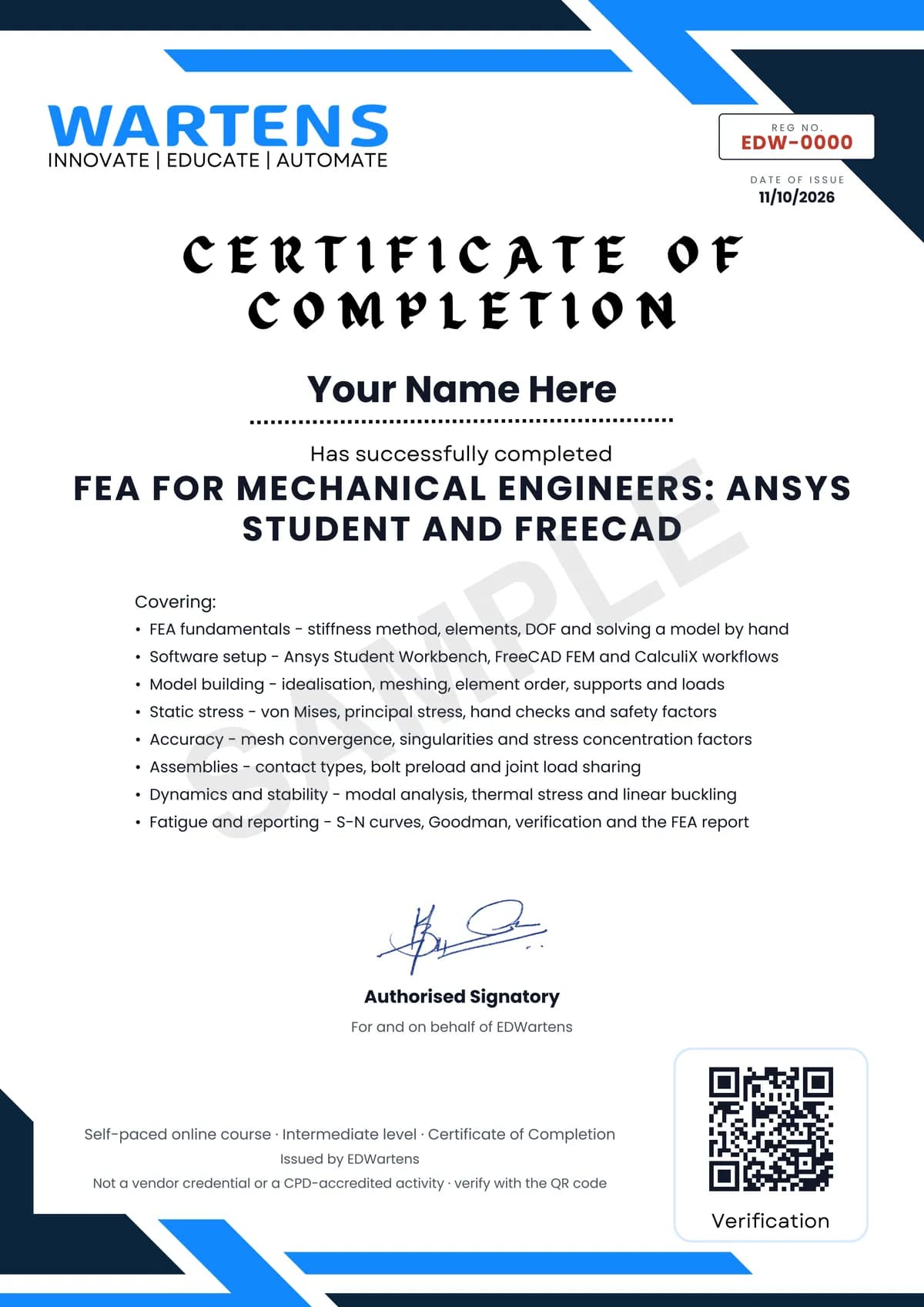
Verifiable by anyone
Adds to LinkedIn in one click
QR code on the certificate
Names what you can do
A permanent link
Earned, not attended
Learning is free. The certificate is optional.
Add it now and pay only when you have finished the course, or come back for it later. One-off, US$28.99, with a receipt.
Issued by EDWartens India (Wartens Automation Private Limited) as a Certificate of Completion for this self-paced course. It is not a vendor certification, a university award or a CPD-accredited activity, and it does not certify competence on live equipment. Delivered electronically; see the refund policy.
FAQ
Common questions
What is finite element analysis (FEA)?
Finite element analysis is a computer method that predicts how a part deflects, how it is stressed, how it vibrates, how hot it gets and when it buckles, by splitting it into small elements joined at nodes and solving the stiffness equations for the nodal displacements. Engineers use it to size and check parts before they are made, and always check its results against hand calculations.
Who is this FEA course for, and what do I need to know first?
It is for mechanical, production and aerospace graduates and diploma holders, design engineers and CAD users who want to run stress analysis and trust the answer. You need strength of materials (stress, strain, beam bending and Euler buckling) and basic 3D CAD; no previous FEA experience is needed.
Which software does the course use, and does it work on a Mac?
The course uses Ansys Student 2026 R1, the free learning edition of Ansys Mechanical, and the FreeCAD FEM workbench with the CalculiX solver. Ansys Student runs only on 64-bit Windows 10 and 11 and is limited to 128K nodes or elements for structural models; FreeCAD is free and open source on Windows, macOS and Linux and covers every exercise on a Mac.
Is this an Ansys certification or official Ansys training?
No. This is an EDWartens course that teaches finite element analysis using Ansys Student and FreeCAD; it is not Ansys training, it is not affiliated with Ansys or Synopsys, and it does not award an Ansys certification. Ansys runs its own free Ansys Innovation Courses, several of whose lessons are embedded here with credit.
Is the course free to learn, and how long does it take?
Yes, every module, the notes, the worked problems, the practice tasks, the optional project and the final assessment are free to learn. The course takes about 23 hours at your own pace, of which about 14 hours is video; the optional bracket project takes about 16 hours more.
What certificate do I get, and how is it verified?
You get a verifiable certificate of completion when you finish the modules and pass the 15-question final at 60 percent. It carries a unique certificate number and a QR code that open a public verification page showing the course, the modules covered and your final score. It is a certificate of completion, not a vendor credential.
Which standards and methods does the course follow?
No single standard governs FEA, so the course teaches the verification and validation practice set out in guides such as ASME V&V 10 and the NAFEMS how-to literature: hand checks, mesh convergence, reaction checks and validation against tests. It uses ISO 898-1 bolt property classes for the bolted joint work and textbook methods (Euler, Peterson-type stress concentration factors, Goodman) for the hand checks.
What jobs does FEA lead to?
It prepares you for roles such as FEA engineer, CAE analyst, design engineer with simulation duties, and stress engineer in machinery, automotive, aerospace, pressure equipment and process skid companies, including the engineering contractors that serve oil, gas and process plants in the Gulf. Employers look for exactly what the course builds: converged models, hand checks and a clear report.
Is the FEA for Mechanical Engineers: Ansys Student and FreeCAD course free in India, and what does the certificate cost?
Yes. Learning costs ₹0 in India: every module, the written notes, the practice tasks and the final assessment, with no card and no trial period. The only paid item is the optional EDWartens Certificate of Completion, ₹599 including GST for this intermediate course, paid in rupees through Razorpay, and only if you want it after passing the final assessment.
All course factsHide course facts
- Price
- ₹0, free for good. No trial, no card. Comparable classroom training of this length costs about ₹7,999.
- Who it is for
- Mechanical, production and aerospace graduates, design engineers and CAD users moving into stress analysis and simulation
- Format
- 15 self-paced modules, 14h 10m of video, written notes, a practice task per module and one final assessment.
- Level
- Intermediate. Intermediate. For mechanical, production and aerospace graduates and diploma holders, design engineers and CAD users who want to run stress analysis and trust the answer. You need strength of materials (stress, strain, beam bending, Euler buckling) and basic 3D CAD; no FEA experience is needed. SolidWorks 3D Modelling and Fusion 360 3D Design teach the modelling and GD&T to ASME Y14.5 teaches tolerancing; this course starts once the part exists.
- Brand
- Vendor-neutral
- Software
- Ansys Student 2026 R1 for the Ansys modules: free for learning, Windows 10 and 11 (64-bit) only, structural models up to 128K nodes or elements, educational use only. FreeCAD 1.1 with its FEM workbench and the bundled CalculiX solver for the open-source route: free for any use on Windows, macOS and Linux. A spreadsheet for hand calculations. On a Mac or Linux machine FreeCAD alone covers every exercise.
- Hardware
- A 64-bit computer with a mouse. Ansys Student needs Windows 10 or 11, at least 4 GB of RAM (more makes meshing and solving faster), about 50 GB of free disk and an OpenGL-capable graphics card. FreeCAD runs on more modest machines.
- Certificate
- Optional EDWartens Certificate of Completion, verifiable by code. Not a vendor credential.
- Video lessons by
- Ansys Learning, Ansys How To, The Efficient Engineer, Unpopular Mechanics, Structures with Prof. H, Postcard Professor, Jousef Murad | Deep Dive, DrDalyO, Not Real Engineering, cornellsimulation, Meshing4u, Less Boring Lectures, The Design Engineer, MangoJelly Solutions for FreeCAD, MEC 3D, Computerized Engineering, Learn Engineering (independent creators, credited below)
- Language
- English
- Last updated
- 27 September 2026
Pairs well with
 CAD · FreeAutoCAD 2D and 3D Fundamentals
 CAD · FreeSOLIDWORKS 3D Modelling, Assemblies and Drawings
 CAD · FreeAutodesk Fusion 360: 3D Design, Modelling and Manufacturing Prep
 CAD · FreeRevit MEP: Electrical BIM, HVAC, Plumbing and Documentation
More free courses: Free CAD courses
Classroom course, Bangalore
PLC training in Bangalore
The Automation Engineer Program (AEP) is our classroom course in PLC programming and industrial automation, taught in person at our Electronic City centre.
Credits
Who made the video lessons
The video lessons in this course were created by the people below, not by EDWartens. Every lesson streams from its creator's own YouTube channel; EDWartens neither hosts nor sells that footage, and the creators are not affiliated with EDWartens and do not endorse this course. What EDWartens wrote is the study plan, the notes, the practice tasks and the assessments.
- Ansys Learningthe Ansys Innovation Course lessons: the Workbench and Mechanical interfaces, thin and slender structures, element size and element order, supports, constraint, symmetry, forces and pressures, inertial loads, artificially high stress, adaptive convergence, surface coating, submodelling, connecting parts and contact, frictional contact, preloaded bolted joints, the modal analysis course, heat transfer and thermal-stress linking, structural instabilities and buckling, and verifying and validating model setup
- Ansys How Tomeshing best practices for Ansys Student, thermo-structural analysis in Ansys Mechanical, and fatigue analysis of a Formula SAE hub
- The Efficient Engineerunderstanding the finite element method, stresses in beams, failure theories, buckling, and fatigue failure and S-N curves
- Unpopular Mechanicswhat finite element analysis is, explained for beginners (also the final recap)
- Structures with Prof. Hthe FEA using ANSYS lessons on getting started, plane stress and 2D analysis, truss analysis, and mesh refinement
- Postcard Professorthe theory and a worked example of the 1D spring element and its stiffness matrix
- Jousef Murad | Deep Divea beginner's guide to the finite element method
- DrDalyOan introduction to a static structural analysis in Ansys Workbench
- Not Real Engineeringa static structural walk-through in Ansys Workbench
- cornellsimulationCornell SimCafe's hand calculations for checking a beam model in Ansys
- Meshing4ucomparing Ansys results with hand calculations
- Less Boring Lecturesstress concentration factors and factor of safety, fatigue failure criteria, and fatigue stress concentrations
- The Design Engineera fatigue analysis in Ansys Workbench
- MangoJelly Solutions for FreeCADthe FreeCAD FEM workbench basics
- MEC 3Da FreeCAD FEM analysis from solid to results in seven steps
- Computerized Engineeringan FEA study in FreeCAD with a mesh independence check
- Learn Engineeringa cantilever beam frequency analysis in the FreeCAD FEM workbench
If you are one of these creators and would like a lesson removed or credited differently, write to info@wartens.com.