The Free TIA Portal HMI Course: What You Build, Module by Module

Screens are how operators judge a system
A plant manager never reads the ladder. They look at the screen, and the screen decides whether they trust the automation. The TIA Portal HMI course exists because most freshers can write logic and cannot build a screen anyone wants to use.
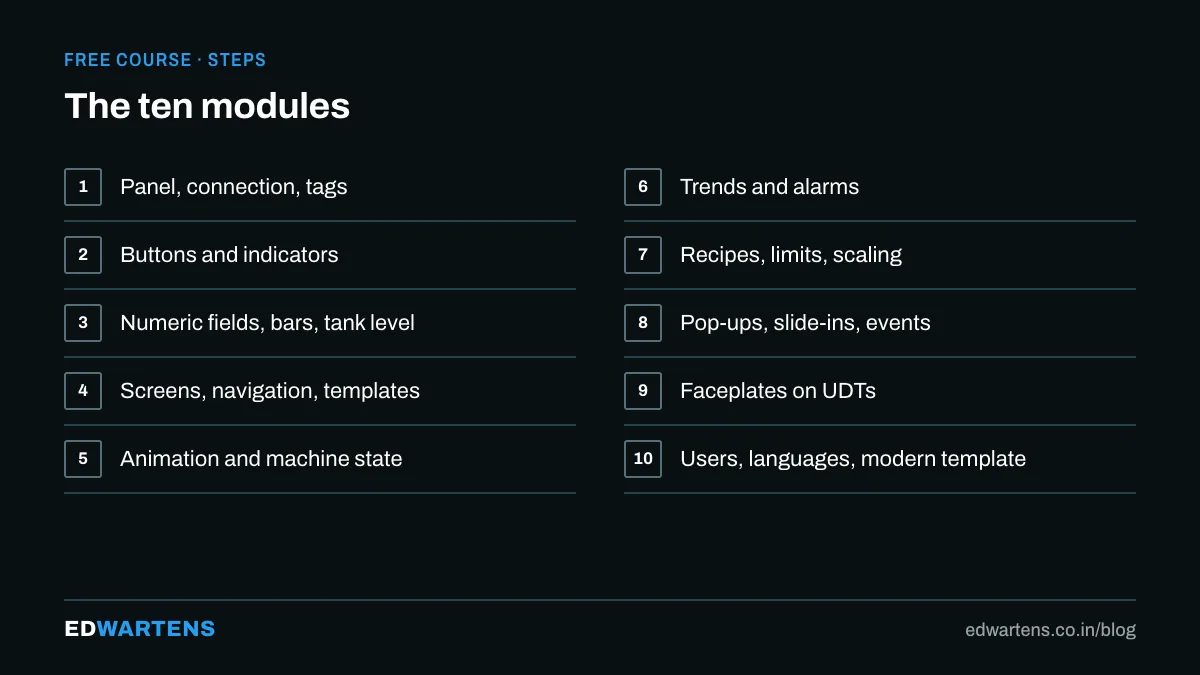
What each module leaves you with
- A connected panel. KTP700 added, HMI connection drawn, tags linked.
- Buttons that behave. Momentary with SetBitWhileKeyPressed, toggles with InvertBit, symbols that change state.
- Numbers with limits. Setpoint fields that refuse 5000, bar graphs and a tank level.
- Navigation on a template. Header, footer and buttons built once, inherited everywhere.
- Animation with a purpose. Visibility, movement and a machine-state text list.
- Trends and alarms. A level trend, discrete and analog alarms with text that says what to do.
- Recipes and scaling. Product records transferred in one press.
- Pop-ups and slide-ins. One motor pop-up reused for every motor.
- Faceplates on UDTs. Build once, place sixty times, one tag each.
- Users and languages. Engineer-only settings, English and Hindi, a clean modern template.
The three first-project mistakes
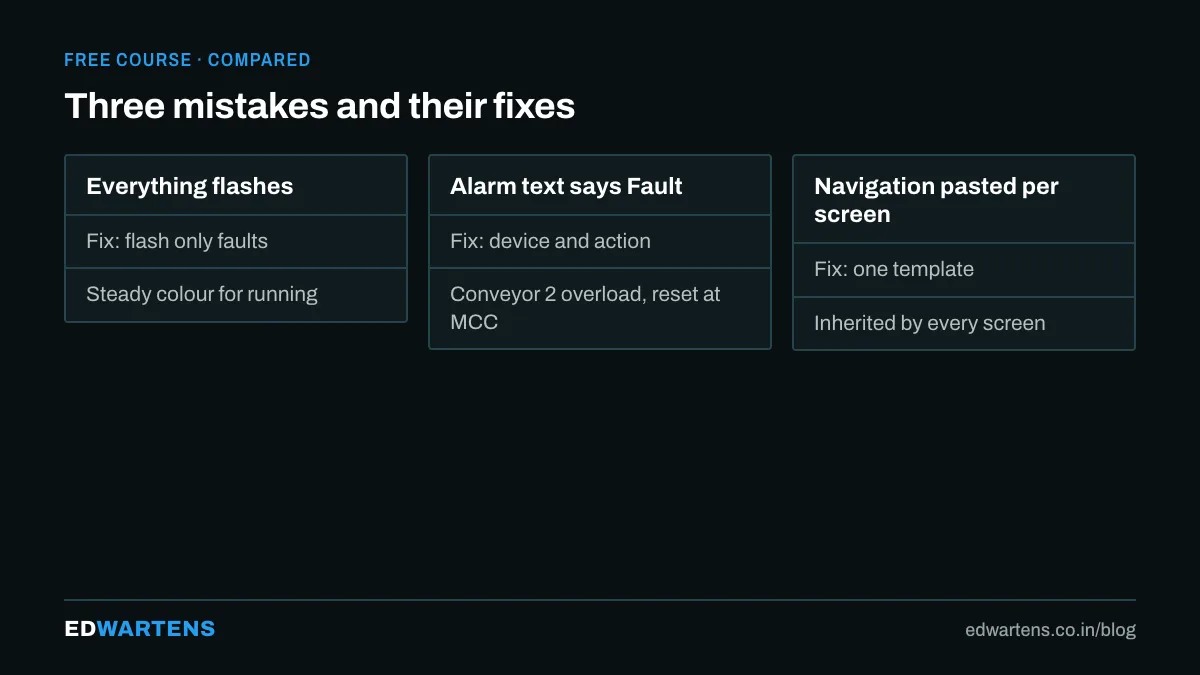
Everything flashes. Flashing is for faults. When running motors flash, a real fault is invisible.
Alarm text says Fault. Write the device and the action: Conveyor 2 overload, reset at MCC panel 3.
Navigation pasted on every screen. Forty screens, forty copies, three wrong. Templates exist for this.
What it runs on
WinCC Basic and Comfort inside the TIA Portal trial, with the runtime simulator standing in for the panel. No hardware. WinCC Unified, the newer web-based system, is its own free course.
After the course
The program structure course shows how the UDTs your faceplates bind to should be designed on the PLC side, and the PID course ends with a loop controlled from an HMI you build.
For classroom practice on Siemens, our page on TIA Portal training in Bangalore explains what the course covers.
Frequently asked questions
Do I need a real panel? No; the simulator runs every screen. A KTP700 Basic is a good first purchase later.
Basic or Comfort? Most modules work on Basic; faceplates and slide-ins need Comfort, and the course says which.
Is there a quiz? One assessment per course: a fifteen-question final drawn from every module, pass mark 60 percent, three attempts and then a 24 hour wait. The per-module quizzes were removed in September 2026.
Learn this, free
The courses that teach this
Every lesson, the written notes and the practice are free with an account. Only the certificate is optional and paid.


