How to Learn Siemens TIA Portal Free: A Six-Week Plan

Why a plan, not a playlist
TIA Portal has more free lessons on the internet than any other PLC tool. That is the problem: without an order, week two is spent on PROFINET routing and week three on what a contact is. This plan is the order, and it is built around the one hard constraint, the 21-day trial.
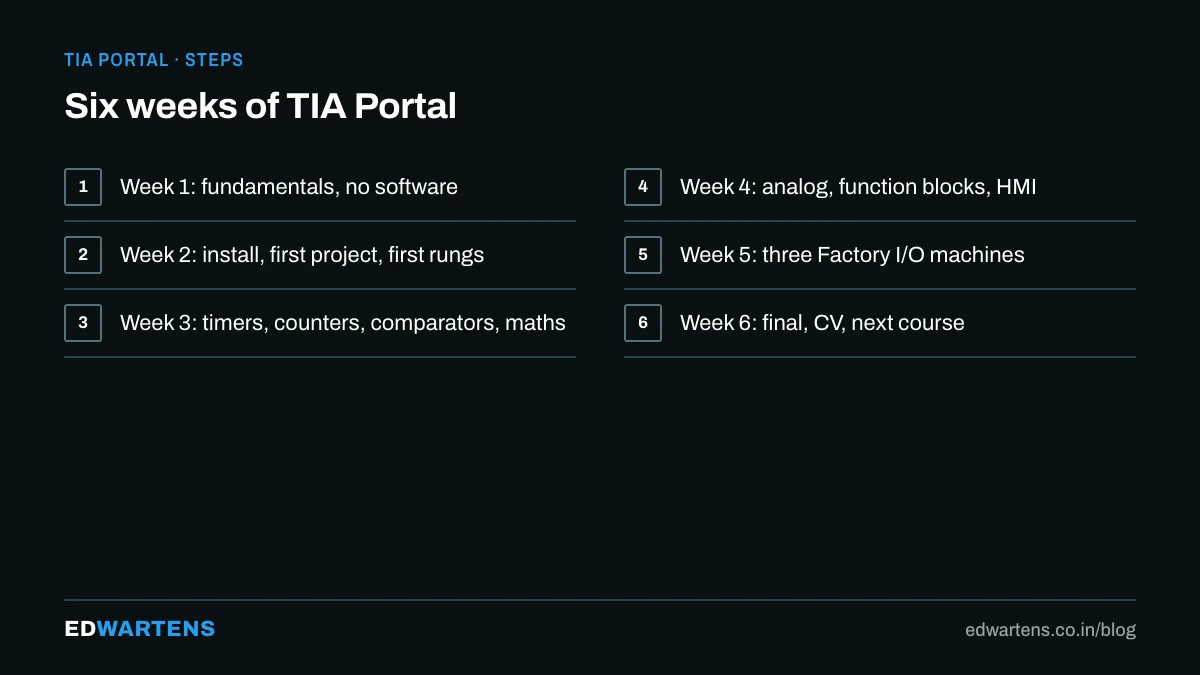
Week 1: no software yet
Modules 1 to 3 of the Siemens TIA Portal course need nothing installed: what automation is, what a PLC does, how 24 V control wiring works, sinking and sourcing. Do them first. Read the notes, do the check questions. Do not install anything.
Week 2: install, and write your first rungs
Install the TIA Portal trial with PLCSIM at the start of week two; the clock starts at installation. Modules 4 to 8 take you through the project, the hardware configuration, tags and the first ladder. The S7-1200 tutorial series covers the same instructions one at a time if you want a second explanation of any of them.
Week 3: timers, counters, comparators, maths
The instructions every program uses. Do every practice task in PLCSIM, and answer the check questions in the notes: the final draws on these modules more than any others.
Week 4: analog, structure and the HMI
NORM_X and SCALE_X, function blocks, and a WinCC screen linked to live tags. If the HMI catches your interest, the TIA Portal HMI course goes ten modules deeper after this plan.
Week 5: a machine that moves
Install the Factory I/O trial and program three scenes from the Factory I/O course: From A to B, the sorting station and the filling tank. This is the week you get an interview story.
Week 6: the final, and what comes next
Pass the fifteen-question final (pass mark 60 percent, three attempts and then a 24 hour wait), add the course to your CV in the free account's CV builder, and pick the next course: organisation blocks and interrupts if you want to understand the CPU, program structure if you want to write like a professional, commissioning before your first site job.
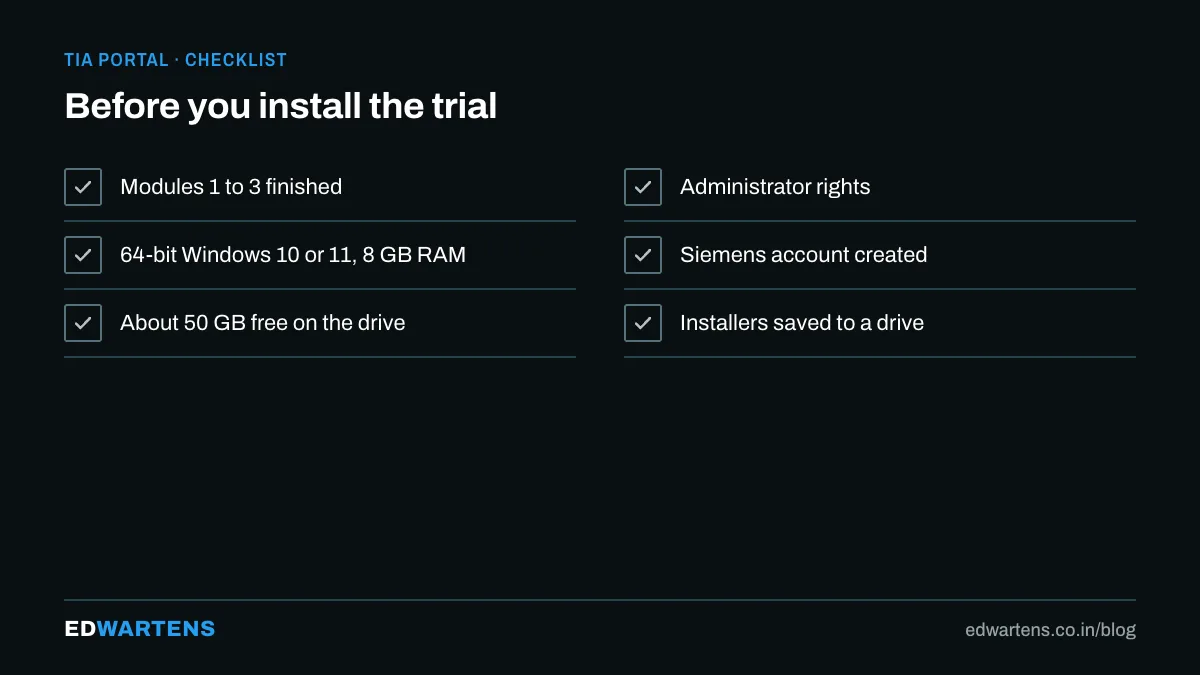
The trial clock
Twenty-one days from installation covers weeks two to four with a few days to spare. If you need longer, the trial can be reinstalled after a clean removal, and every course page explains the timing in its FAQ.
If you want to practise this on PLC training panels with an instructor, see our Siemens PLC and TIA Portal training in Bangalore.
Frequently asked questions
Do I need an S7-1200? No. PLCSIM stands in for it throughout; a real CPU only matters for the download and backup lessons in the commissioning course.
Which version? The newest trial for learning; the plant's version for site work. Projects open in the same version or newer, never older.
How many hours a week? Six to eight. The foundation course is about thirteen hours of video plus practice.
Learn this, free
The courses that teach this
Every lesson, the written notes and the practice are free with an account. Only the certificate is optional and paid.


