Robot Palletizing Cell Design: The Basics Every Automation Engineer Should Know

Why palletizing comes first
End-of-line palletizing is heavy, repetitive, injury-prone work with a clear business case, which is why it is the first robot most Indian food, FMCG, cement and chemical plants buy. It is also a complete automation project in miniature: robot, gripper, conveyors, safety, PLC integration and a recipe system. Learn to design one and you can design most cells.
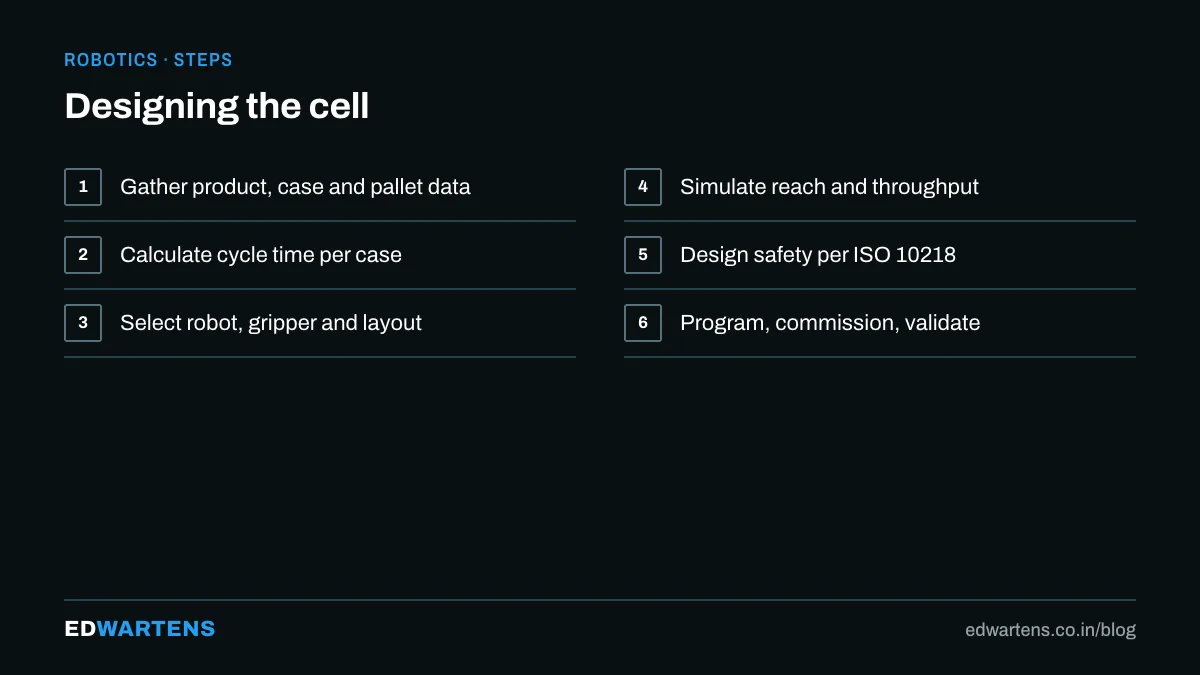
The numbers you need before anything else
- Product: dimensions, weight, packaging (case, bag, bundle, crate), and how it arrives (single file, orientation, gaps).
- Rate: cases per minute, now and in five years. Palletizing robots are sold on cycles per hour; a four-axis palletizer manages 600 to 1,000 cycles per hour, and multi-pick grippers multiply that.
- Pallet: size (1,200 × 1,000 mm and 1,200 × 800 mm are common), layers, pattern, height limit, slip sheets, tie sheets.
- Layout: how many infeed lines, how many pallet stations, where the empty pallets come from, how full pallets leave.
Choosing the robot
- Four-axis palletizers (FANUC M-410, ABB IRB 460 and 760, KUKA KR Quantec PA, Yaskawa PL series) are built for this: long reach, payloads from 100 to 700 kg, fast vertical strokes, and no wrist roll to waste.
- Six-axis robots are chosen when the product needs tilting or the cell doubles as a depalletizer for mixed loads.
- Cobots (UR20, Doosan, FANUC CRX) suit rates below about eight cases a minute with light cases, often without a full fence, as covered in cobots versus industrial robots.
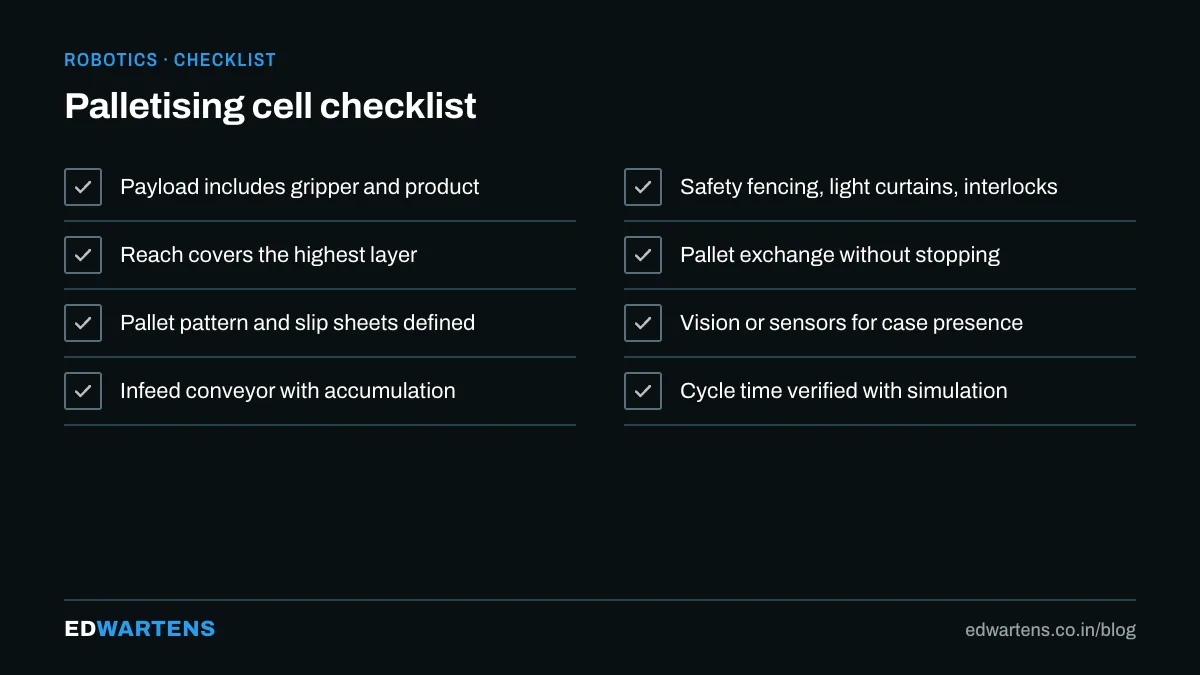
Payload is the case weight plus the gripper, and grippers for cases are surprisingly heavy: a vacuum head with pump and frame is 30 to 60 kg. Reach must cover the far corner of the top layer of the tallest pallet with margin.
Gripper choice
Product | Gripper |
|---|---|
Cases, cartons | Vacuum (foam or cup) or clamp gripper |
Bags | Fork or bag gripper with side clamps |
Bundles, trays | Clamp with adjustable width |
Mixed | Combination heads, or a tool changer |
Vacuum needs a good top surface and a pump sized for leaks; forks need clearance beneath the bag. Multi-pick heads (two or four cases at once) are how rates are met without a faster robot.
Layout patterns
The three layouts to know:
- Single pallet, single infeed. Cheapest; the line stops while the pallet is exchanged unless a buffer conveyor absorbs it.
- Two pallet stations, one robot. The robot builds on station A while station B is exchanged. This is the standard.
- Two infeeds, two stations. Two products or two lines with one robot, common in bottling halls.
Add: empty pallet dispenser, slip sheet dispenser, full pallet conveyor to the stretch wrapper, and the safety fence with a light curtain or muted entry where pallets exit.
Building the pattern
Vendors ship palletizing software (FANUC PalletTool, ABB PalletPack, KUKA.PalletTech, UR's Palletizing URCap) that generates the robot positions from a pattern you draw: layer types, rotation, interlocking, slip sheet layers. The pattern lives in a recipe selected from the PLC or HMI, and a well-built cell needs no robot programming to add a new product. Build the pattern for stability first: interlocked layers, columns only when the packaging demands it.
Connecting it to the line
The PLC owns the cell. Typical signals between PLC and robot over Profinet or EtherNet/IP:
- PLC to robot: recipe number, start, stop, pallet present, case at pick, station exchange complete.
- Robot to PLC: ready, running, fault, cycle complete, case count, layer count, pallet full.
The PLC runs the conveyors, the pallet handling, the safety zones and the HMI; the robot runs only its motion. The Studio 5000 and TIA Portal free courses cover the PLC side, and the safety wiring follows the rules in emergency stop and safety circuits.
Commissioning checklist
- Verify payload and centre of gravity in the robot's payload setting; wrong values cause path errors and alarms.
- Teach the pick position with the case exactly where the infeed stops it, with a sensor confirming.
- Run one layer at 10 percent speed, then 50, then 100.
- Prove every safety function: light curtain muting during pallet exit, fence door, e-stop from every station.
- Measure the real rate for an hour and compare it with the quotation.
In our Bangalore classroom you learn how a PLC commands and interlocks a robot cell; see robotics training in Bangalore. Robot programming itself is taught in our free online courses.
Frequently asked questions
How much does a palletizing cell cost in India? From about 35 lakh for a cobot cell to well above a crore for a high-rate two-line industrial cell with wrapper. The robot is a third of it or less.
Can one robot serve two lines? Yes, if the combined rate fits and the layout gives it reach to both.
Which course teaches this? Any of the robot courses above for the pendant, plus RoboDK to simulate a layout before buying anything.
Learn this, free
The courses that teach this
Every lesson, the written notes and the practice are free with an account. Only the certificate is optional and paid.


