CAD · Free · ₹0
GD&T to ASME Y14.5: Read, Apply and Inspect Drawings
Geometric dimensioning and tolerancing for engineers who design, make or inspect parts: why plus/minus tolerancing fails, Rule #1, ASME Y14.5-2018 and the ISO GPS equivalents, the feature control frame, datums, form, orientation, position with bonus tolerance and virtual condition, profile, runout, worst-case and RSS stack-ups, surface plate, gauge and CMM inspection, and GD&T in Fusion, Onshape and FreeCAD drawings.
Inside the course
From the lessons
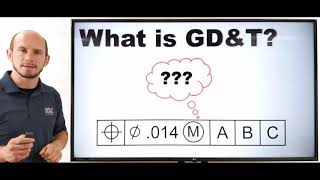
Why GD&T: the limits of plus and minus, Rule #1, ASME and ISO
Straight To The Point Engineering

Reading the feature control frame and its modifiers
R. Dean Odell
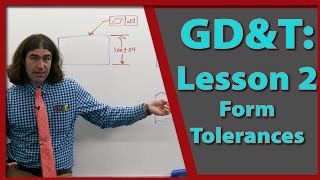
Form: flatness, straightness, circularity and cylindricity
R. Dean Odell
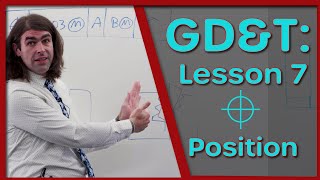
Position: true position, bonus tolerance, virtual condition and fasteners
R. Dean Odell

Runout, coaxiality and what changed in 2018
R. Dean Odell

Inspection: surface plates, gauges and the CMM
GD&T Basics - Engineer Essentials
Lesson frames belong to the creators named in the Credits below and are shown from YouTube.
What you will learn
Explain why plus/minus location tolerancing fails and what Rule #1 does; read any feature control frame in ASME Y14.5-2018 and recognise its ISO 1101 equivalent; choose datum features from function and build the datum reference frame; apply and inspect flatness, straightness, circularity, cylindricity, perpendicularity, parallelism and angularity; calculate position with bonus tolerance, virtual and resultant condition and fastener tolerances; read profile and composite frames; specify runout on a shaft; run worst-case and RSS stack-ups by hand and in a spreadsheet; plan inspection on a surface plate, with gauges and on a CMM; and annotate a drawing with GD&T in Fusion, Onshape or FreeCAD.
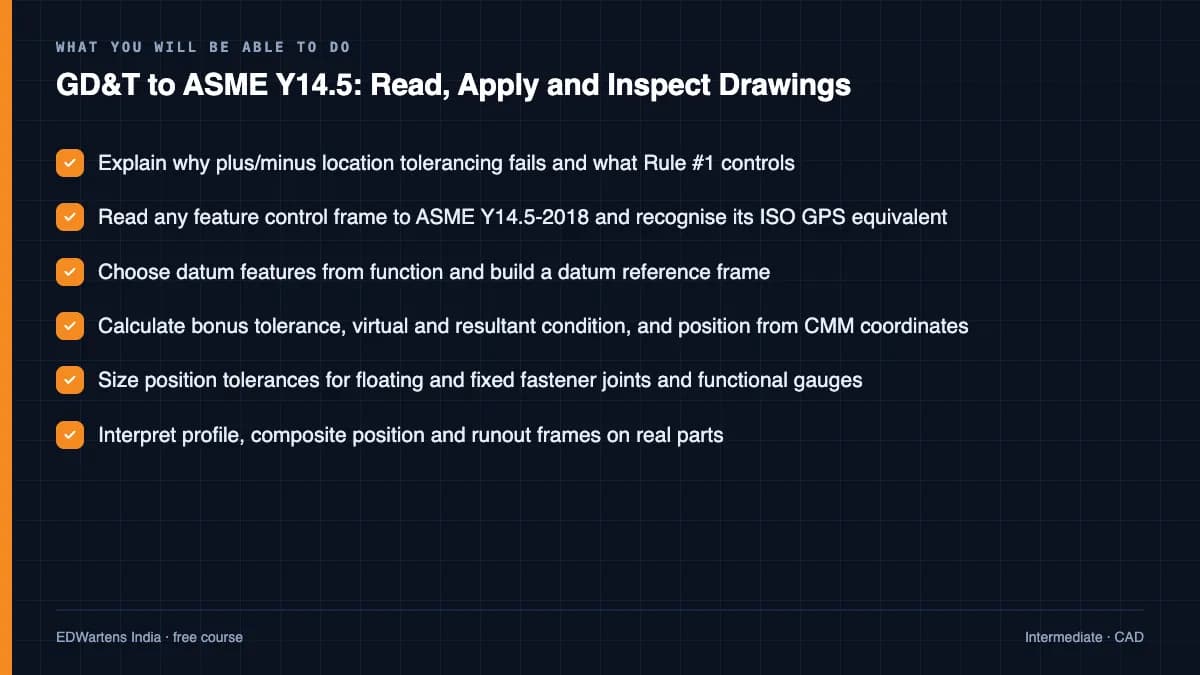
- Explain why plus/minus location tolerancing fails and what Rule #1 controls
- Read any feature control frame to ASME Y14.5-2018 and recognise its ISO GPS equivalent
- Choose datum features from function and build a datum reference frame
- Calculate bonus tolerance, virtual and resultant condition, and position from CMM coordinates
- Size position tolerances for floating and fixed fastener joints and functional gauges
- Interpret profile, composite position and runout frames on real parts
- Run worst-case and RSS tolerance stack-ups by hand and in a spreadsheet
- Plan inspection on a surface plate, with gauges and on a CMM, and annotate a drawing in Fusion, Onshape or FreeCAD
The course project · about 8 hours
GD&T scheme, tolerance analysis and first-article inspection for a servo motor adapter plate
Take a motor adapter plate from a plus/minus drawing to a functional GD&T drawing to ASME Y14.5-2018: choose datums from how it mounts, write every feature control frame, size the fastener tolerances and run a coupling gap stack-up, plan the inspection, judge a first-article CMM report and issue a drawing change for the errors you find.
Sample document pack, 5 documents, filled in for the scenario
- RegisterFeature control frame register: motor adapter plate
- ReportTolerance analysis: fastener split and coupling gap
- PlanInspection plan: motor adapter plate
- Test reportFirst-article CMM report: four clearance holes
- Change noticeDrawing change: GD&T errors on revision A
Read inside the course and download as a workbook. The project is optional practice, marked when you submit it; the certificate needs only the modules and the final assessment.
Course content
13 modules · 43 lessons · 9h 57m
In order, at whatever pace suits you. Each module ends with a practice task that builds on the last.
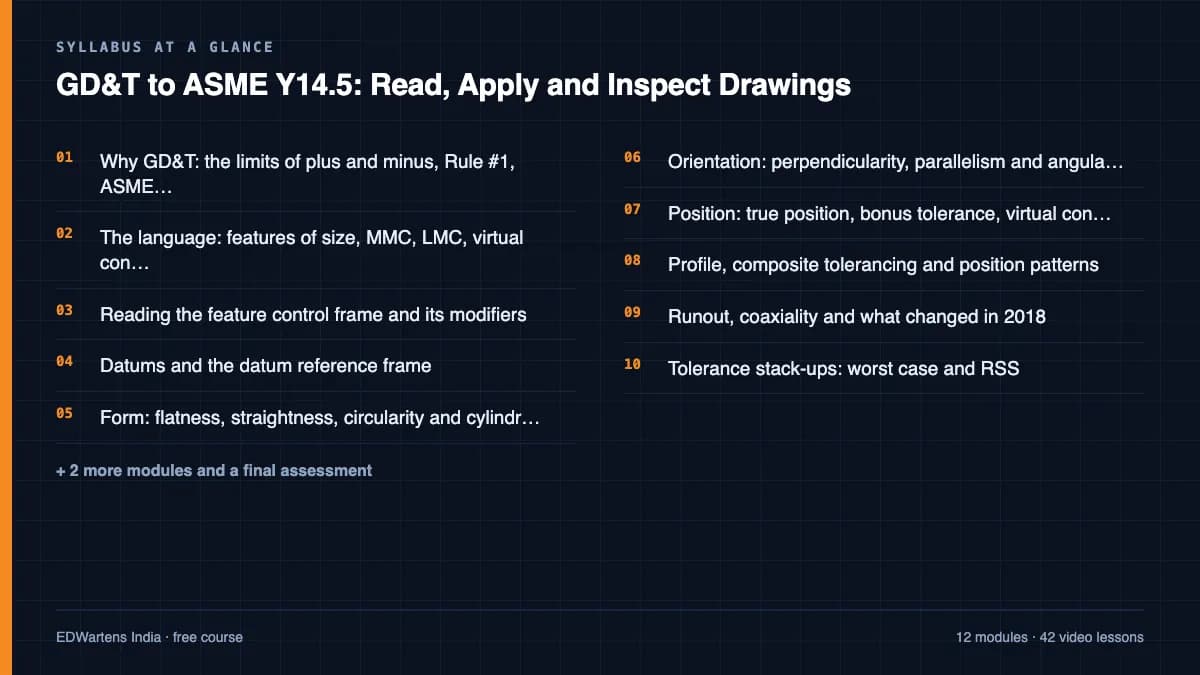
- 01Why GD&T: the limits of plus and minus, Rule #1, ASME and ISO4 lessons39m
- 02The language: features of size, MMC, LMC, virtual condition and basic dimensions3 lessons60m
- 03Reading the feature control frame and its modifiers3 lessons30m
- 04Datums and the datum reference frame3 lessons52m
- 05Form: flatness, straightness, circularity and cylindricity3 lessons43m
- 06Orientation: perpendicularity, parallelism and angularity2 lessons31m
- 07Position: true position, bonus tolerance, virtual condition and fasteners4 lessons55m
- 08Profile, composite tolerancing and position patterns4 lessons1h 15m
Requirements
- Who it is for
- Intermediate. For mechanical design, manufacturing and quality engineers, draughtspersons, inspectors and final-year mechanical students. You should be able to read an orthographic engineering drawing; no GD&T experience is needed.
- Software
- A calculator and a spreadsheet (LibreOffice Calc is free) for the calculations and stack-ups. For the drawing module, any one of Autodesk Fusion (free personal-use licence), Onshape Free or FreeCAD 1.1 (free and open source). What to download, and how
- Hardware
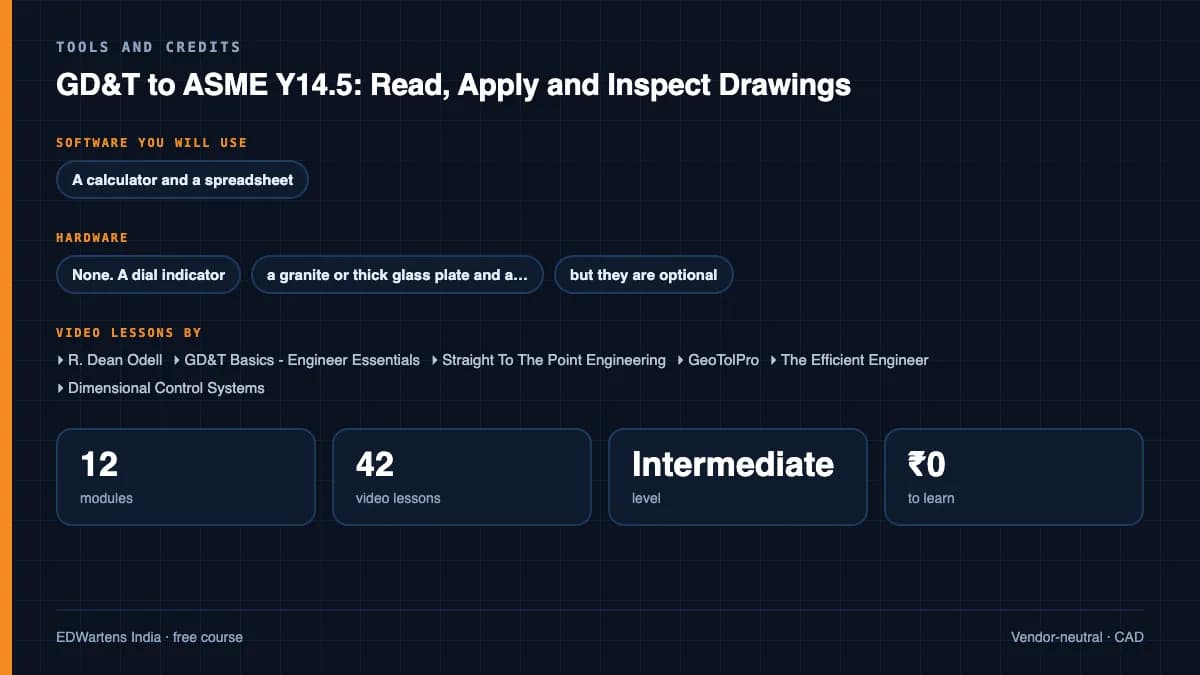
- None. A dial indicator, a granite or thick glass plate and a vernier caliper make the inspection practice more real, but they are optional.
Software you need
What to download, where from, what it costs and how to install it. Every link goes to the maker's own site, never a mirror.
Modules 1 to 11 need only a calculator and a spreadsheet. The CAD tool is used in module 12 and the optional project.
One CAD tool for the drawing module (GDT12) and the project
Any one is enough.
- 01Free for personal use, with limits
Autodesk Fusion
Autodesk
- Runs on
- Windows 11 or macOS (see Autodesk's Fusion system requirements)
- Account
- A free Autodesk account
Fusion for personal use is free for three years for home-based, non-commercial projects by individuals earning under the revenue limit Autodesk sets; it has limited CAM, drawings and file export. It may not be used in primary employment, company environments or commercial training. A full 30-day trial and free education licences are also offered.
Steps
- 1.Open the Fusion for personal use page on autodesk.com.
- 2.Select Get Autodesk Fusion for personal use.
- 3.Sign in to your Autodesk account, or create one, and confirm you meet the personal-use terms.
- 4.Download and run the Fusion installer.
- 5.Start Fusion and sign in with the same account.
- If you are a student or teacher, use the Autodesk Education licence instead: it has the full feature set.
- Use the 30-day trial if you need features the personal-use version limits, such as full export.
Official download pageautodesk.comAlternatives
- Autodesk Education plan: Free one-year Fusion access for eligible students and educators.
- Fusion 30-day trial: Full-function trial linked from the same page.
- 02Free plan for non-commercial use
Onshape Free
PTC, in the browser
- Runs on
- A current web browser on Windows, macOS, Linux or ChromeOS; iOS and Android apps
- Account
- A free Onshape account
Onshape Free is for non-commercial use such as learning and hobby projects, and every document created on it is public. Client or employer work needs a paid plan.
Steps
- 1.Open the Onshape Free page on onshape.com.
- 2.Create a free account and confirm your email.
- 3.Create a document, model the part, then insert a drawing.
- 4.Use the drawing toolbar's datum and geometric tolerance tools for GD&T.
- Do not upload confidential client parts to a Free account: its documents are public.
Open Onshape Freeonshape.com - 03Free and open source
FreeCAD
FreeCAD project (open source)
- Runs on
- Windows, macOS and Linux
- Account
- None needed
FreeCAD is released under the LGPL 2.0 or later and is free for any use, including commercial work. The course uses its TechDraw workbench, version 1.1 or later.
Steps
- 1.Open the downloads page on freecad.org.
- 2.Choose the installer for your operating system (the AppImage on Linux).
- 3.Run the installer and start FreeCAD.
- 4.Open the TechDraw workbench from the workbench list to make drawings.
- Feature control frames are built from a balloon with a rectangular shape, Unicode GD&T symbols and '|' between compartments, as module 12 shows.
Official download pagefreecad.org
Optional
Useful, not needed to finish the course.
- 04Free
LibreOffice
The Document Foundation
- Runs on
- Windows 10 or 11, macOS 11 or newer (Intel or Apple silicon), Linux
- Account
- None needed
- Size
- up to 1.5 GB of disk space on Windows
LibreOffice is free, open-source software under the Mozilla Public License 2.0, for any use including business. Calc is its spreadsheet.
Steps
- 1.Open the LibreOffice download page.
- 2.Check the page has picked your operating system, then select Download.
- 3.Run the installer (administrator rights are needed on Windows).
- 4.Start LibreOffice Calc for spreadsheet work.
- 5.Save as .xlsx if you need to share files with Excel users.
- Choose the latest main version unless your organisation asks for the older, more conservative release.
Official download pagelibreoffice.org
Checked against each maker's own page on 27 September 2026. Trial lengths and editions change; the maker's page is the final word.
GD&T to ASME Y14.5: Read, Apply and Inspect Drawings at a glance
GD&T to ASME Y14.5: Read, Apply and Inspect Drawings is a free, self-paced online course from EDWartens for mechanical design, manufacturing and quality engineers, draughtspersons, CMM programmers and inspectors at machine shops and automotive, aerospace and equipment makers worldwide. It has 13 modules and 9h 57m of video lessons by R. Dean Odell, GD&T Basics - Engineer Essentials, Straight To The Point Engineering and others, with written notes and worked problems, a practical project with a document pack and a 15-question final assessment (pass mark 60%). Learning is free with an account; an optional certificate with a public verification code is issued when you pass. Last updated 27 September 2026.
All course factsHide course facts
- Price
- ₹0, free for good. No trial, no card. Comparable classroom training of this length costs about ₹5,999.
- Who it is for
- Mechanical design, manufacturing and quality engineers, draughtspersons, CMM programmers and inspectors at machine shops and automotive, aerospace and equipment makers worldwide
- Format
- 13 self-paced modules, 9h 57m of video, written notes, a practice task per module and one final assessment.
- Level
- Intermediate. Intermediate. For mechanical design, manufacturing and quality engineers, draughtspersons, inspectors and final-year mechanical students. You should be able to read an orthographic engineering drawing; no GD&T experience is needed.
- Brand
- Vendor-neutral
- Software
- A calculator and a spreadsheet (LibreOffice Calc is free) for the calculations and stack-ups. For the drawing module, any one of Autodesk Fusion (free personal-use licence), Onshape Free or FreeCAD 1.1 (free and open source).
- Hardware
- None. A dial indicator, a granite or thick glass plate and a vernier caliper make the inspection practice more real, but they are optional.
- Certificate
- Optional EDWartens Certificate of Completion, verifiable by code. Not a vendor credential.
- Video lessons by
- R. Dean Odell, GD&T Basics - Engineer Essentials, Straight To The Point Engineering, GeoTolPro, The Efficient Engineer, Dimensional Control Systems, Joko Engineeringhelp, Brian Acquesta, Orzel Technologies (independent creators, credited below)
- Language
- English
- Last updated
- 27 September 2026
A shareable EDWartens certificate
Finish every module and pass the final assessment, and the optional EDWartens certificate is yours. It carries a unique verification code on a public page anyone can check, so it stands up when a recruiter looks it up. See it below.
The course itself stays free whether or not you ever buy one.
Stuck? Ask a practising engineer
A free course usually means a comment section and hope. This one does not. Every module has an Ask-your-trainer panel that reaches the same engineers who teach our paid programme: people who commission panels for a living, not moderators.
Pairs well with
 CAD · FreeAutoCAD 2D and 3D FundamentalsThe drawing tool every engineering office expects: interface, files and navigation, drawing commands, drawing aids, modify commands, blocks, layers and properties, text, dimensions, tables and plotting, a complete beginner course, floor plan, elevation, mechanical and title block exercises, 3D basics, and the intermediate techniques that stop you staying a beginner.
 CAD · FreeSOLIDWORKS 3D Modelling, Assemblies and DrawingsMechanical CAD the way machine builders use it: interface, settings, units and planes, sketching with relations, extrude and revolve, sweep, loft and boundary, fillets, shells, ribs and drafts, patterns, hole wizard and threads, timed practice parts, assemblies and mates, drawings with BOM and exploded views, sheet metal, advanced surfacing, configurations and equations, materials, mass, import and export, and complete beginner courses.
 CAD · FreeAutodesk Fusion 360: 3D Design, Modelling and Manufacturing PrepCloud CAD for makers and product designers: the workspace and its key terms, sketching with constraints, extrude and revolve, fillets, shells, threads and holes, loft and sweep transitions, patterns and text, thin walls, user parameters, joints and assemblies, surfaces and T-spline forms, mesh and STL repair, moulds, sheet metal, rendering, 2D drawings and animations, practice exercises and a first CAM toolpath.
 CAD · FreeRevit MEP: Electrical BIM, HVAC, Plumbing and DocumentationBuilding services in BIM the way consultants deliver it: starting an MEP project and template, linking the architectural model with levels, grids and scope boxes, building envelope, spaces and zones, HVAC air terminals and systems, electrical families for sockets, panels and isolators, panels, switchboards and circuiting, panel schedules and load calculations, lighting plans, data, CCTV and access control, cable trays, power drawings and one-line diagrams, plumbing, piping and fire protection, views, annotations, sheets and printing, and worksharing.
More free courses: Free CAD courses
Learner reviews
No reviews yet
Reviews here are written only by learners who have finished every module of GD&T to ASME Y14.5: Read, Apply and Inspect Drawings, and they are published exactly as written. Finish the course and yours will be the first.
Common questions
Who is this GD&T course for?
Mechanical design, manufacturing and quality engineers, draughtspersons, CMM programmers, inspectors and final-year mechanical students who need to read, apply or inspect geometric tolerances on drawings. You should be able to read an orthographic drawing; no GD&T experience is needed.
Is the course free to learn?
Yes. Every module, the notes, the worked problems, the project and the final assessment are free, and the software it uses has free versions. The certificate is optional.
Does it follow ASME Y14.5 or ISO GPS?
It teaches ASME Y14.5-2018, the current edition, and compares each topic with the ISO GPS standards used in Europe and much of Asia: ISO 1101, ISO 5459, ISO 8015 and ISO 14405-1. The most important difference, the envelope principle against independency, is taught in the first module.
Does this course give me ASME GDTP certification?
No. ASME's Geometric Dimensioning and Tolerancing Professional certification is awarded only by ASME, at Technologist and Senior levels. This course covers much of the knowledge the Technologist exam tests and explains how to prepare, but its certificate is an EDWartens certificate of completion.
Do I need CAD software?
Only for the drawing module and the optional project. Any one of Autodesk Fusion for personal use, Onshape Free or FreeCAD 1.1 is enough, and the notes show the GD&T tools in each. Every calculation can be done with a calculator and a spreadsheet.
Does it cover inspection and CMMs?
Yes. A full module covers surface plate inspection, gauge blocks and the sine bar, go and no-go gauges and Taylor's principle, functional gauges, CMM alignment and fitting, reading a CMM report, measurement uncertainty and first article inspection.
How long does the GD&T to ASME Y14.5: Read, Apply and Inspect Drawings course take?
About 16.6 hours at your own pace, of which about 10 hours is video and the rest is notes, worked problems and practice. The optional project takes about 8 hours more.
What is the project in the GD&T to ASME Y14.5: Read, Apply and Inspect Drawings course?
You re-issue the drawing of a servo motor adapter plate with GD&T for a gearbox maker in the Czech Republic and its supplier in Mexico: datums from function, every feature control frame, a fastener and coupling gap stack-up, an inspection plan, a first-article CMM evaluation and a drawing change notice.
Is the GD&T to ASME Y14.5: Read, Apply and Inspect Drawings course free in India, and what does the certificate cost?
Yes. Learning costs ₹0 in India: every module, the written notes, the practice tasks and the final assessment, with no card and no trial period. The only paid item is the optional EDWartens Certificate of Completion, ₹559 including GST for this intermediate course, paid in rupees through Razorpay, and only if you want it after passing the final assessment.
What you walk away with
Your certificate for GD&T to ASME Y14.5: Read, Apply and Inspect Drawings
Finish the course, pass the final, and this is the document with your name on it.
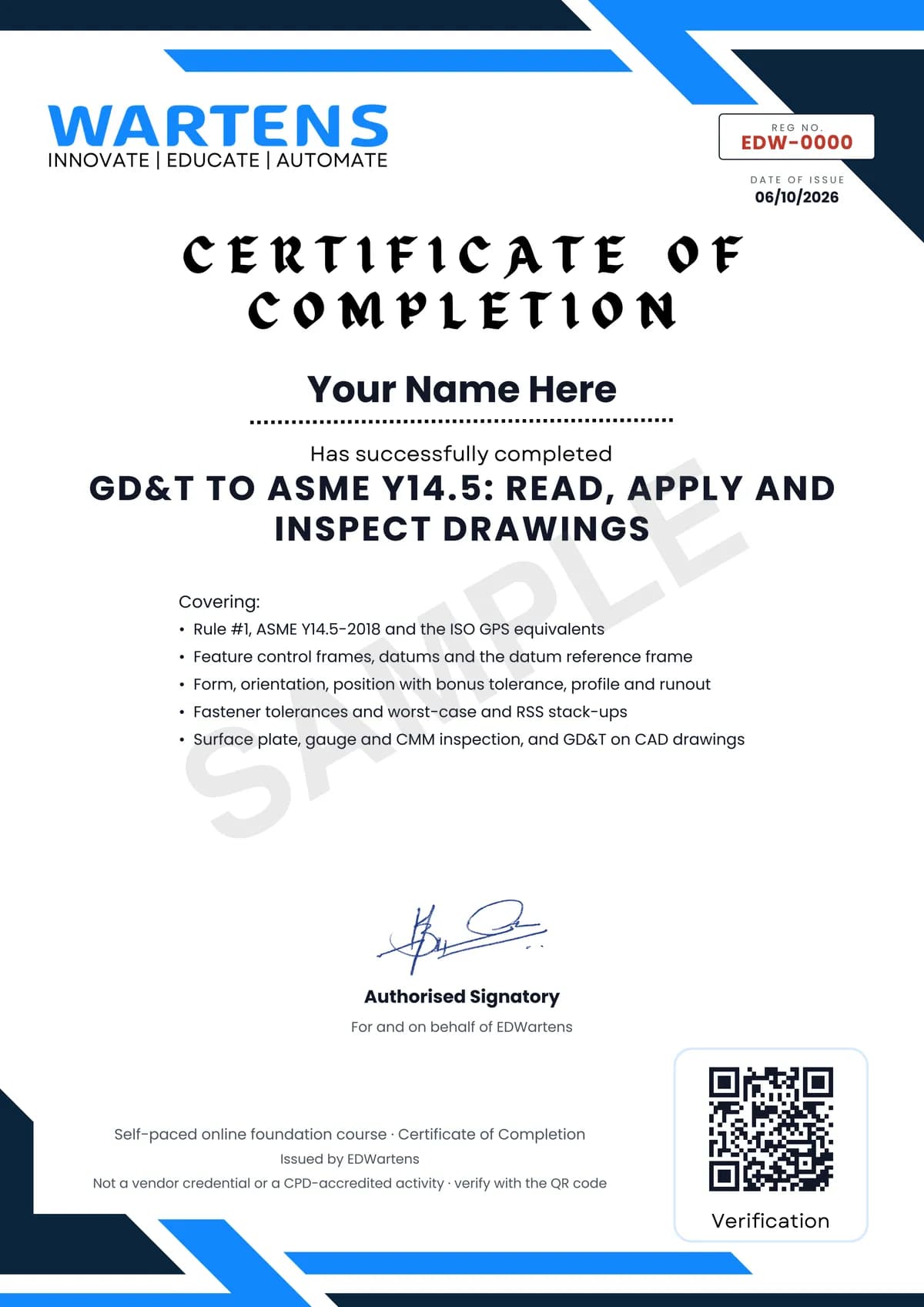
Verifiable by anyone
Adds to LinkedIn in one click
QR code on the certificate
Names what you can do
A permanent link
Earned, not attended
Learning is free. The certificate is optional.
Add it now and pay only when you have finished the course, or come back for it later. One-off, US$28.99, with a receipt.
Issued by EDWartens India (Wartens Automation Private Limited) as a Certificate of Completion for this self-paced course. It is not a vendor certification, a university award or a CPD-accredited activity, and it does not certify competence on live equipment. Delivered electronically; see the refund policy.
Credits
Who made the video lessons
The video lessons in this course were created by the people below, not by EDWartens. Every lesson streams from its creator's own YouTube channel; EDWartens neither hosts nor sells that footage, and the creators are not affiliated with EDWartens and do not endorse this course. What EDWartens wrote is the study plan, the notes, the practice tasks and the assessments.
- R. Dean Odellthe backbone of the course: GD&T Lessons 1 to 8 (key concepts, form, orientation, datums, runout, profile, position and advanced position), Rule #1, reading frames, MMC, LMC and RFS, bonus tolerance, the projected zone, choosing datums, profile zone disposition, composite frames, coaxial controls, fixed fasteners, stack-ups, inspection, the GDTP Senior exam and the interview recap in the final
- GD&T Basics - Engineer Essentialstrue position against coordinate dimensions, the MMC formula, datums and degrees of freedom, flatness, circularity, virtual condition, the removal of concentricity, chain and baseline dimensioning, go and no-go gauging, CMM part set-up and functional gauging
- Straight To The Point Engineeringthe ten-minute introduction to GD&T that opens the course
- GeoTolProthe comparison of the ASME envelope principle with ISO independency
- The Efficient Engineerthe animated overview of GD&T, tolerance zones and material conditions
- Dimensional Control Systemsthe lesson on statistical, RSS and worst-case tolerance analysis
- Joko EngineeringhelpGD&T tools in FreeCAD TechDraw
- Brian AcquestaGD&T on Onshape drawings
- Orzel Technologiesplacing feature control frames in Autodesk Fusion drawings
If you are one of these creators and would like a lesson removed or credited differently, write to info@wartens.com.