Electrical · Free · ₹0
Electrical Estimating: Quantity Take-off, Costing and BOQ
Turn a set of electrical drawings into a priced bill of quantities: read the drawings and specification, take off points, cables by route length, containment, boards, luminaires, earthing and lightning protection, apply labour units and wastage, build rates from material, labour, plant, overheads and margin, lay out the BOQ in Excel, compare tenders, and value variations through to the final account.
Inside the course
From the lessons

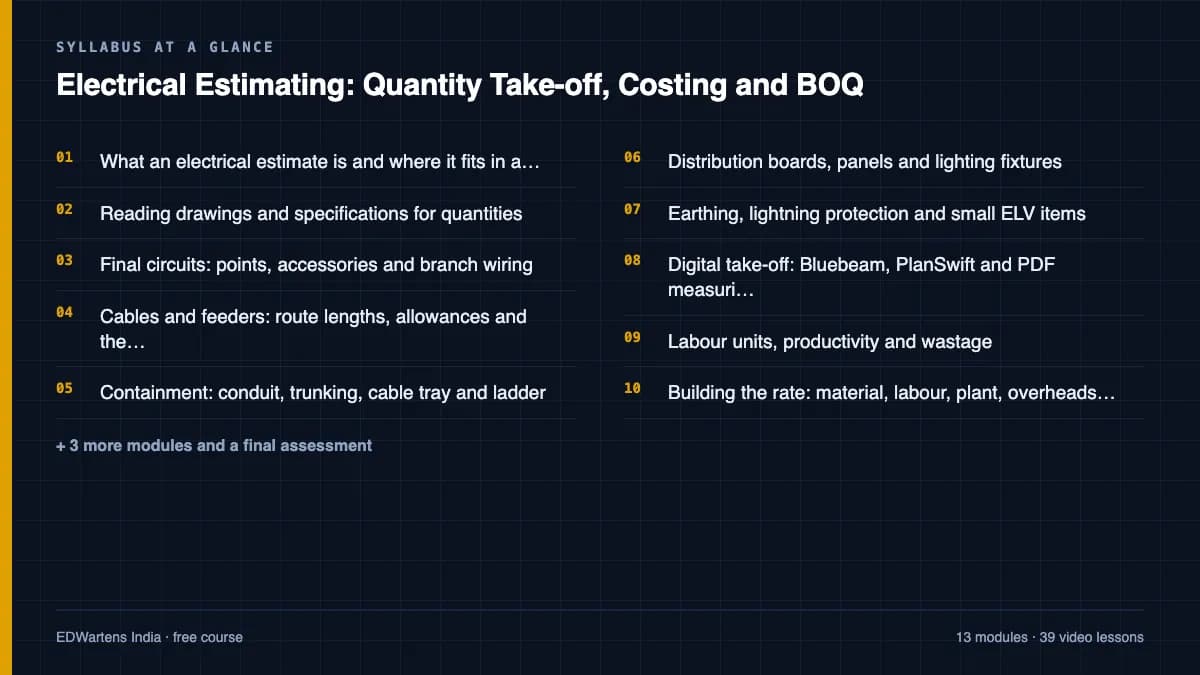
What an electrical estimate is and where it fits in a tender
G4S Media House

Final circuits: points, accessories and branch wiring
Tim Fairley

Containment: conduit, trunking, cable tray and ladder
Shem Sessions

Earthing, lightning protection and small ELV items
G4S Media House

Labour units, productivity and wastage
MikeHoltNEC

The BOQ: structure, measurement rules and an Excel template
Cost Engineering Professional
Lesson frames belong to the creators named in the Credits below and are shown from YouTube.
What you will learn
Explain the types and accuracy classes of estimate and where the estimator sits in a tender; read drawings, schedules and specifications for quantities; take off final circuits by points and wiring, cables by route length with allowances, containment with fittings and supports, boards, panels and luminaires, earthing, lightning protection and small ELV items, by hand and on a PDF; convert quantities into labour hours and apply wastage; build unit rates from material, labour, plant, overheads and margin in cost units; lay out a bill of quantities to a standard method of measurement in an Excel template with checks; price and compare tenders on a like-for-like basis; use spreadsheets and AI only as checking aids; and value variations, interim valuations and the final account.
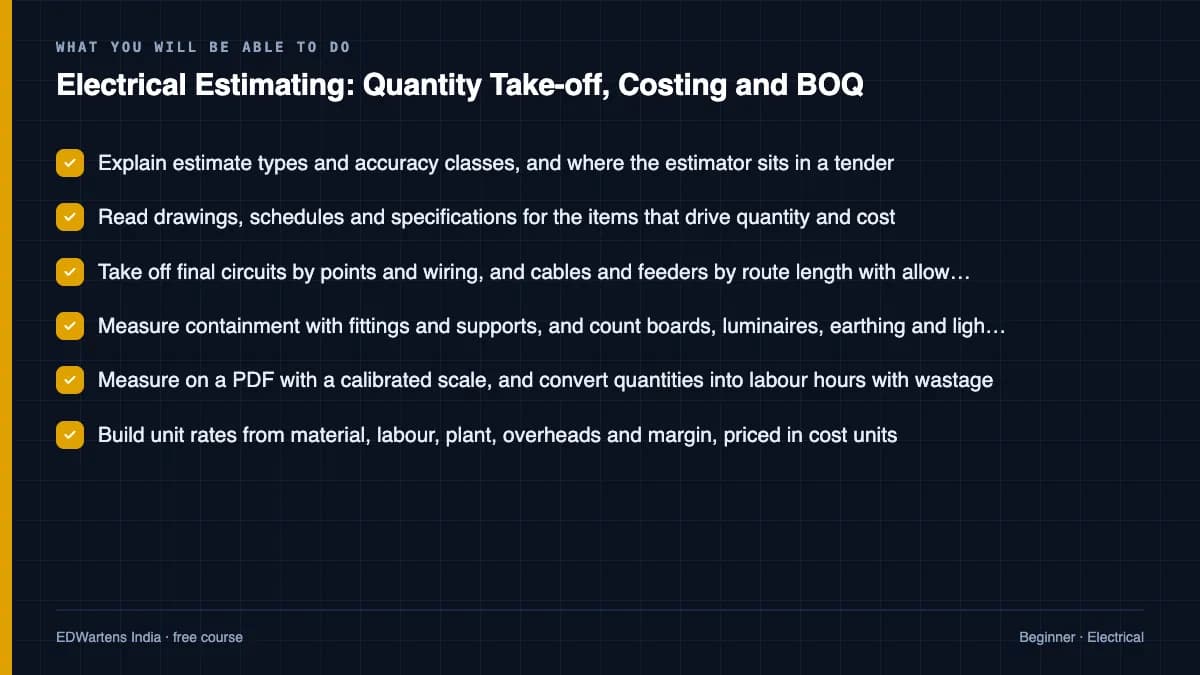
- Explain estimate types and accuracy classes, and where the estimator sits in a tender
- Read drawings, schedules and specifications for the items that drive quantity and cost
- Take off final circuits by points and wiring, and cables and feeders by route length with allowances
- Measure containment with fittings and supports, and count boards, luminaires, earthing and lightning protection
- Measure on a PDF with a calibrated scale, and convert quantities into labour hours with wastage
- Build unit rates from material, labour, plant, overheads and margin, priced in cost units
- Lay out a bill of quantities to a standard method of measurement in an Excel template with checks
- Compare tenders like for like, and value variations, interim valuations and the final account
The course project · about 12 hours
Pricing the electrical package of a two-storey clinic: take-off, rate build-ups, priced BOQ, bid review and a variation
Act as the electrical contractor's estimator for a two-storey outpatient clinic: plan the estimate, take off the feeders and final circuits, build rates from material, labour, plant and on-costs, price the bill, run a bid review with ratio checks, and after award value a variation from the bill's own rates. The sample pack shows each document for a clinic in Nairobi, Kenya, with every amount in cost units.
Sample document pack, 6 documents, filled in for the scenario
- PlanEstimate plan, document register and query register: outpatient clinic electrical package
- Cable scheduleCable schedule and feeder take-off: main LV panel to boards
- RegisterRate build-ups: all-in labour cost and three net rates
- RegisterPriced bill of quantities at net rates, with sums
- ReportBid review note: contingency, markup, ratio checks and qualifications
- Change noticeVariation VO-03: extra socket outlets, omitted lighting points and new floor boxes
Read inside the course and download as a workbook. The project is optional practice, marked when you submit it; the certificate needs only the modules and the final assessment.
Course content
14 modules · 40 lessons · 10h 14m
In order, at whatever pace suits you. Each module ends with a practice task that builds on the last.
- 01What an electrical estimate is and where it fits in a tender3 lessons34m
- 02Reading drawings and specifications for quantities3 lessons1h 1m
- 03Final circuits: points, accessories and branch wiring3 lessons1h 31m
- 04Cables and feeders: route lengths, allowances and the cable schedule3 lessons1h 1m
- 05Containment: conduit, trunking, cable tray and ladder3 lessons21m
- 06Distribution boards, panels and lighting fixtures3 lessons44m
- 07Earthing, lightning protection and small ELV items3 lessons38m
- 08Digital take-off: Bluebeam, PlanSwift and PDF measuring3 lessons1h 3m
Requirements
- Who it is for
- Beginner. For electrical diploma and degree students, site engineers and electricians moving into estimating, and MEP quantity surveyors. You should be able to read a simple electrical layout and use a spreadsheet; no estimating experience is needed.
- Software
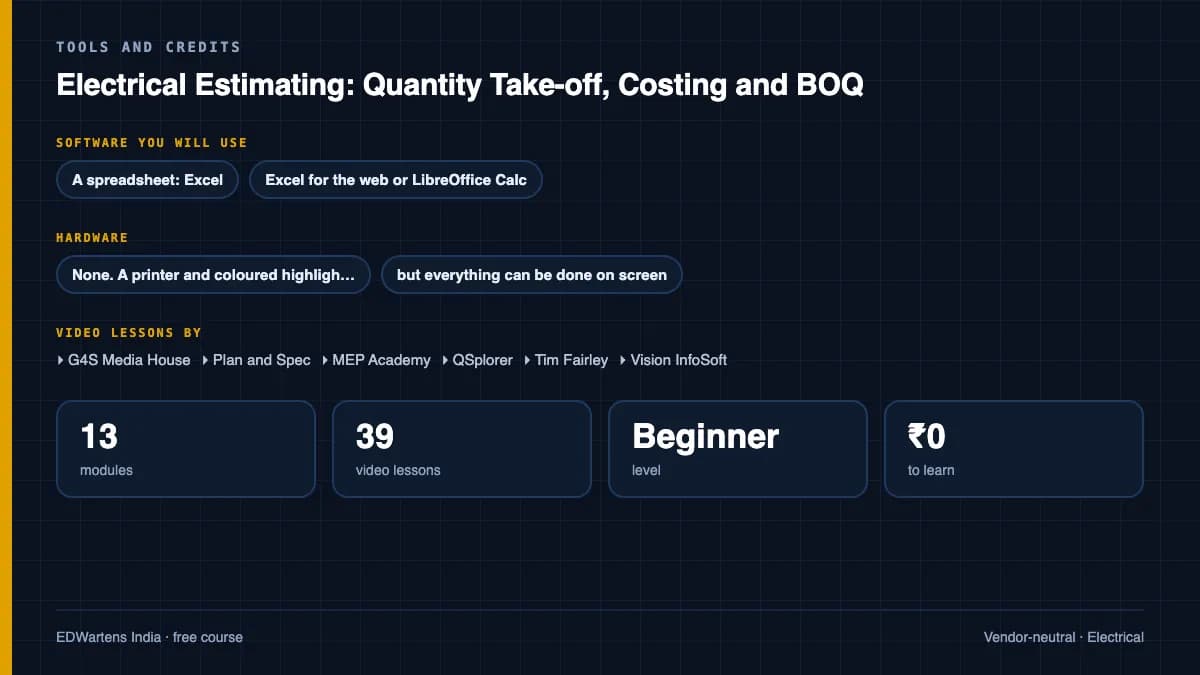
- A spreadsheet: Excel, Excel for the web or LibreOffice Calc (free). A free PDF viewer with measuring tools, such as PDF-XChange Editor on Windows, for digital take-off. Bluebeam Revu and PlanSwift trials are optional. What to download, and how
- Hardware
- None. A printer and coloured highlighters help with manual take-off, but everything can be done on screen.
Software you need
What to download, where from, what it costs and how to install it. Every link goes to the maker's own site, never a mirror.
For digital take-off, any PDF viewer with calibrated measuring tools is enough, such as the free version of PDF-XChange Editor on Windows. Bluebeam Revu and PlanSwift trials are optional.
A spreadsheet, one of these
Any one is enough.
- 01Free web version with limits
Microsoft Excel
Microsoft
- Runs on
- Excel for the web in any modern browser; desktop apps for Windows and macOS with a Microsoft 365 subscription
- Account
- A free Microsoft account
Excel for the web is free with a Microsoft account and 5 GB of cloud storage. The desktop app comes with a paid Microsoft 365 subscription, which offers a free trial. Python in Excel is not available on free licences, and fuller Copilot features need an eligible paid plan.
Steps
- 1.Open the Excel page on microsoft.com and select Sign up for free, or Sign in.
- 2.Create or sign in to your Microsoft account.
- 3.Select Open Excel to start Excel for the web.
- 4.Upload the course workbook to OneDrive and open it.
- 5.If a lesson needs a desktop-only feature, consider the Microsoft 365 free trial.
- Most formulas, tables and charts work in Excel for the web; some advanced tools, such as Power Pivot and many add-ins, need the desktop app.
- Check the Python in Excel availability page before a Python lesson.
Official download pagemicrosoft.comAlternatives
- LibreOffice Calc: Free desktop spreadsheet for Windows, macOS and Linux.
- Google Sheets: Free browser spreadsheet with a Google Account.
- 02Free
LibreOffice
The Document Foundation
- Runs on
- Windows 10 or 11, macOS 11 or newer (Intel or Apple silicon), Linux
- Account
- None needed
- Size
- up to 1.5 GB of disk space on Windows
LibreOffice is free, open-source software under the Mozilla Public License 2.0, for any use including business. Calc is its spreadsheet.
Steps
- 1.Open the LibreOffice download page.
- 2.Check the page has picked your operating system, then select Download.
- 3.Run the installer (administrator rights are needed on Windows).
- 4.Start LibreOffice Calc for spreadsheet work.
- 5.Save as .xlsx if you need to share files with Excel users.
- Choose the latest main version unless your organisation asks for the older, more conservative release.
Official download pagelibreoffice.org
Checked against each maker's own page on 27 September 2026. Trial lengths and editions change; the maker's page is the final word.
Electrical Estimating: Quantity Take-off, Costing and BOQ at a glance
Electrical Estimating: Quantity Take-off, Costing and BOQ is a free, self-paced online course from EDWartens for electrical diploma and degree students, electricians and site engineers moving into estimating, and MEP quantity surveyors at contractors and consultancies worldwide who price electrical packages from drawings. It has 14 modules and 10h 14m of video lessons by G4S Media House, Plan and Spec, MEP Academy and others, with written notes and worked problems, a practical project with a document pack and a 15-question final assessment (pass mark 60%). Learning is free with an account; an optional certificate with a public verification code is issued when you pass. Last updated 27 September 2026.
All course factsHide course facts
- Price
- ₹0, free for good. No trial, no card. Comparable classroom training of this length costs about ₹5,999.
- Who it is for
- Electrical diploma and degree students, electricians and site engineers moving into estimating, and MEP quantity surveyors at contractors and consultancies worldwide who price electrical packages from drawings
- Format
- 14 self-paced modules, 10h 14m of video, written notes, a practice task per module and one final assessment.
- Level
- Beginner. Beginner. For electrical diploma and degree students, site engineers and electricians moving into estimating, and MEP quantity surveyors. You should be able to read a simple electrical layout and use a spreadsheet; no estimating experience is needed.
- Brand
- Vendor-neutral
- Software
- A spreadsheet: Excel, Excel for the web or LibreOffice Calc (free). A free PDF viewer with measuring tools, such as PDF-XChange Editor on Windows, for digital take-off. Bluebeam Revu and PlanSwift trials are optional.
- Hardware
- None. A printer and coloured highlighters help with manual take-off, but everything can be done on screen.
- Certificate
- Optional EDWartens Certificate of Completion, verifiable by code. Not a vendor credential.
- Video lessons by
- G4S Media House, Plan and Spec, MEP Academy, QSplorer, Tim Fairley, Vision InfoSoft, Dr. Chau, CANICE Quantity Surveying Made Easy, Shem Sessions, Managing Qs, Conest Software Systems, Axis Electricals, Triple 7 Electrical, Brainbox Notion, MikeHoltNEC, Hard Hat, Cost Engineering Professional, Awarded Bid, Metroun Quantity Surveying (independent creators, credited below)
- Language
- English
- Last updated
- 27 September 2026
A shareable EDWartens certificate
Finish every module and pass the final assessment, and the optional EDWartens certificate is yours. It carries a unique verification code on a public page anyone can check, so it stands up when a recruiter looks it up. See it below.
The course itself stays free whether or not you ever buy one.
Stuck? Ask a practising engineer
A free course usually means a comment section and hope. This one does not. Every module has an Ask-your-trainer panel that reaches the same engineers who teach our paid programme: people who commission panels for a living, not moderators.
Pairs well with
 Electrical · FreeETAP Power System Analysis: Load Flow, Short Circuit, Protection, Arc Flash and StabilityThe power-system studies every substation, plant and data-centre project needs, done in ETAP: single-line modelling, load flow and the per-unit system, cable and transformer sizing, short circuit by IEC 60909 and ANSI, relay setting and coordination with Star view, differential, distance, busbar and motor protection, arc flash, capacitor placement and power factor, motor starting and re-acceleration, transient stability, harmonics and filters, and earthing grid design.
 PLC programming · FreeSiemens TIA PortalFrom zero electrical knowledge to a working, simulated S7-1200 program, for nothing.
 PLC programming · FreeSiemens TIA Portal in Three HoursThe first three hours of the Siemens TIA Portal course, cut to end on a win: what a PLC is, how it is wired, a project configured in TIA Portal, and your first ladder program running in simulation. Finish it in an evening or two, earn a certificate, and carry straight on into the full course.
 PLC programming · FreeTIA Portal: Build a MachineOne machine, start to finish. Take a bottle filling line from a written specification and an I/O list to a structured S7-1200 program with a fill station, a capper, a reject sorter and an operator screen with alarms, then test it against a written record and archive it for hand-over. The lessons are the reference; the machine is yours, and it is what you submit.
More free courses: Free electrical design and control panel courses
Learner reviews
No reviews yet
Reviews here are written only by learners who have finished every module of Electrical Estimating: Quantity Take-off, Costing and BOQ, and they are published exactly as written. Finish the course and yours will be the first.
Common questions
Who is this electrical estimating course for?
It is for electrical diploma and degree students, for whom estimating and costing is often a syllabus subject, for electricians and site engineers moving into estimating, and for MEP quantity surveyors and freelancers who price electrical packages from drawings. You should be able to read a simple electrical layout and use a spreadsheet; no estimating experience is needed.
Is the course free to learn?
Yes. Every module, the notes, the worked problems, the project and the final assessment are free, and the software it needs is free or has a free version. The certificate is optional.
Which rates and methods of measurement does it use?
The method is the same everywhere, so every amount in the notes is in cost units rather than money. Real rates come from regional price books and quotations, such as RSMeans data in North America and Spon's price books in the UK, and from supplier and subcontractor quotations in markets such as the Gulf that have no single public book. Bills follow the method of measurement they name, such as NRM2 in the UK and POMI on many Gulf and international projects. In India, the CPWD schedules of rates and IS 1200-style measurement rules are used. The BOQ module shows how the chosen method changes what you measure.
Do I need Bluebeam, PlanSwift or estimating software?
No. A spreadsheet such as Excel for the web or LibreOffice Calc, and a free PDF viewer with measuring tools such as PDF-XChange Editor on Windows, are enough for every exercise. Bluebeam Revu and PlanSwift appear in the lessons and offer trials; commercial estimating packages follow the same take-off, labour unit and rate build-up method the course teaches.
Does it teach electrical design or cable sizing?
No. An estimate prices the design as drawn and specified: cable sizes, protection and earthing come from the designer, working to the IEC 60364 family or the national wiring rules such as BS 7671 and the NEC. For the design side, take Electrical Design Engineering: Loads, Cables, Breakers and Distribution, and Earthing and Lightning Protection Design. Local regulations and a competent designer govern the installation itself.
Can I use ChatGPT or AI to estimate?
Only as a checking aid. Module 12 shows where AI helps: summarising a long specification into its cost-changing clauses, suggesting commonly missed items and checking item descriptions and arithmetic. It is not a source of quantities or rates, and client documents never go into a public AI tool without your company's and the client's permission.
How long does the Electrical Estimating course take?
About 15 hours of video, notes and practice at your own pace, of which about 10 hours is video. The optional project, pricing the electrical package of a two-storey clinic from take-off to bid review and a variation, takes about 12 hours more.
What certificate does the Electrical Estimating course give?
An EDWartens certificate of completion, issued when you finish the modules and pass the 15-question final at 60 percent, with a number anyone can verify on our site. It is not a quantity surveying or cost engineering qualification from RICS, AACE International or any other professional body, none of which is affiliated with EDWartens.
Is the Electrical Estimating course free in India, and what does the certificate cost?
Yes. Learning costs ₹0 in India: every module, the written notes, the practice tasks and the final assessment, with no card and no trial period. The only paid item is the optional EDWartens Certificate of Completion, ₹459 including GST for this beginner course, paid in rupees through Razorpay, and only if you want it after passing the final assessment.
What you walk away with
Your certificate for Electrical Estimating: Quantity Take-off, Costing and BOQ
Finish the course, pass the final, and this is the document with your name on it.
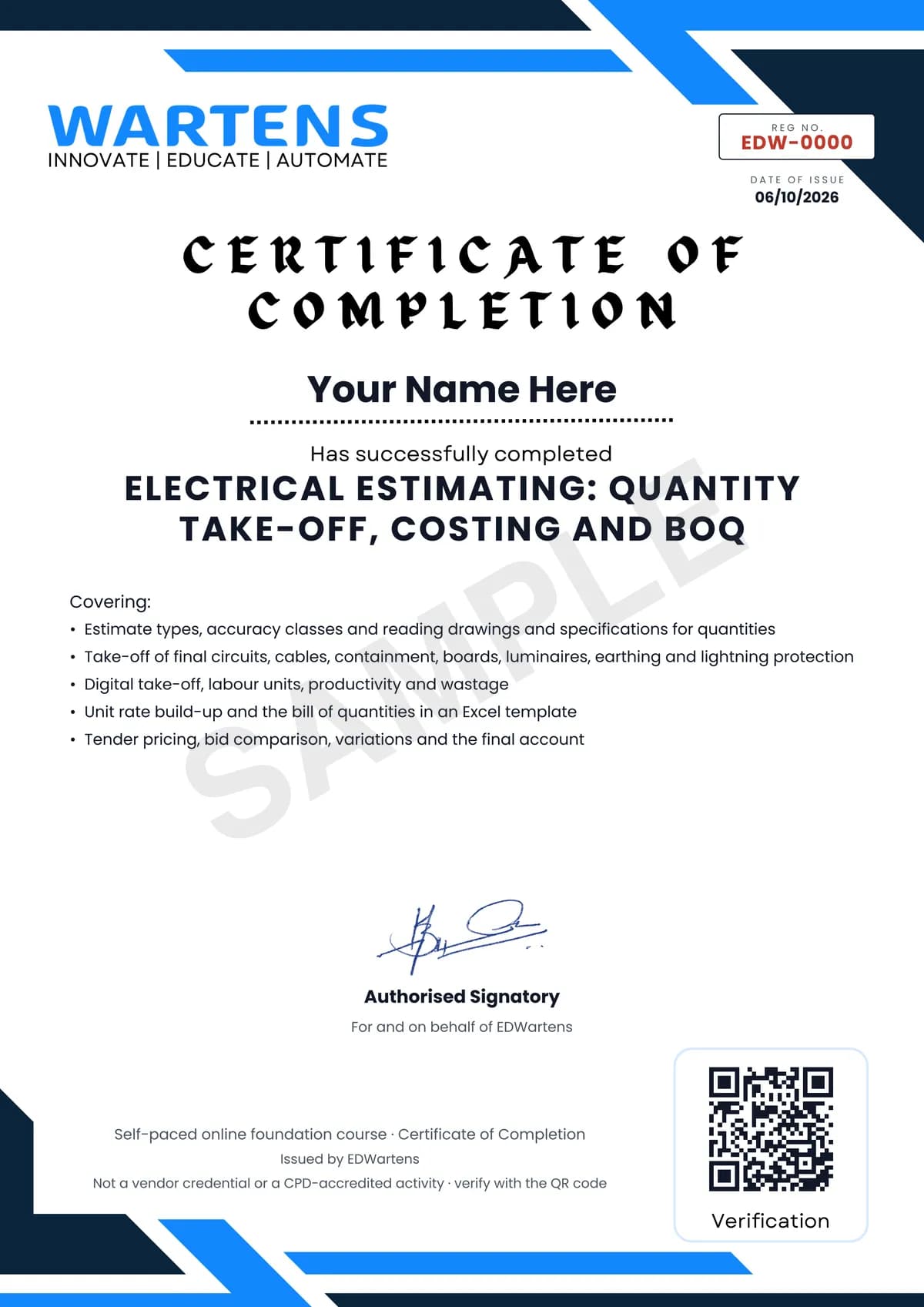
Verifiable by anyone
Adds to LinkedIn in one click
QR code on the certificate
Names what you can do
A permanent link
Earned, not attended
Learning is free. The certificate is optional.
Add it now and pay only when you have finished the course, or come back for it later. One-off, US$23.99, with a receipt.
Issued by EDWartens India (Wartens Automation Private Limited) as a Certificate of Completion for this self-paced course. It is not a vendor certification, a university award or a CPD-accredited activity, and it does not certify competence on live equipment. Delivered electronically; see the refund policy.
Credits
Who made the video lessons
The video lessons in this course were created by the people below, not by EDWartens. Every lesson streams from its creator's own YouTube channel; EDWartens neither hosts nor sells that footage, and the creators are not affiliated with EDWartens and do not endorse this course. What EDWartens wrote is the study plan, the notes, the practice tasks and the assessments.
- G4S Media Housethe Electrical Estimation tutorials: what an estimate is, how the estimator works, and the power device and security device take-offs
- Plan and Specconstruction estimating and budgeting basics
- MEP Academythe lessons on reading construction specifications, the general layout of a drawing set, labour rates with burden, and what to know before bidding commercial work
- QSplorerquantity measurement tips from general notes, sections and details, the MEP checklist for electrical works, and a bid evaluation case study
- Tim Fairleythe complete step-by-step guide to electrical estimating, and the two lessons testing ChatGPT and AI take-off tools for estimators
- Vision InfoSoftthe branch circuit wiring, feeder and fixture take-off lessons
- Dr. Chauthe Electrical Estimation lessons on measuring wiring, panel board and lighting fixture take-off, Bluebeam tool chests, and pricing receptacle outlets with RSMeans data
- CANICE Quantity Surveying Made Easymeasuring electrical work with a rate build-up for cables, and preparing a project final account statement
- Shem Sessionsmeasuring cable tray, trunking and other electrical containment in Cubicost TME
- Managing Qscable tray, ladder and trunking explained for quantity surveyors
- Conest Software Systemsa cable tray take-off
- Axis Electricalsselecting down conductors for a lightning protection system
- Triple 7 Electricala Bluebeam take-off of power devices, power branch circuits and low-voltage items
- Brainbox Notionthe PlanSwift MEP take-off tutorial
- MikeHoltNECthe electrical estimating lessons on labour units and unit prices
- Hard Hatestimating electrical work and electrical labour
- Cost Engineering Professionalrate breakdown analysis, the step-by-step guide to preparing a BOQ, forming a BOQ in Excel, and variations in construction projects
- Awarded Bidprime cost and provisional sums under NRM2
- Metroun Quantity Surveyingthe short BOQ recap used in the final module
If you are one of these creators and would like a lesson removed or credited differently, write to info@wartens.com.