AI for professionals · Free · ₹0
AI for Lawyers and Legal Teams: Research, Drafting and Contract Review, Safely
Use AI in legal work without putting a client or a filing at risk: vetting a legal AI tool, where a firm should start, prompts and a prompt library, twenty practical use cases, contract review with AI playbooks, fake citations and how to catch them, confidentiality and privilege, and how Indian courts approach AI.

Inside the course
From the lessons

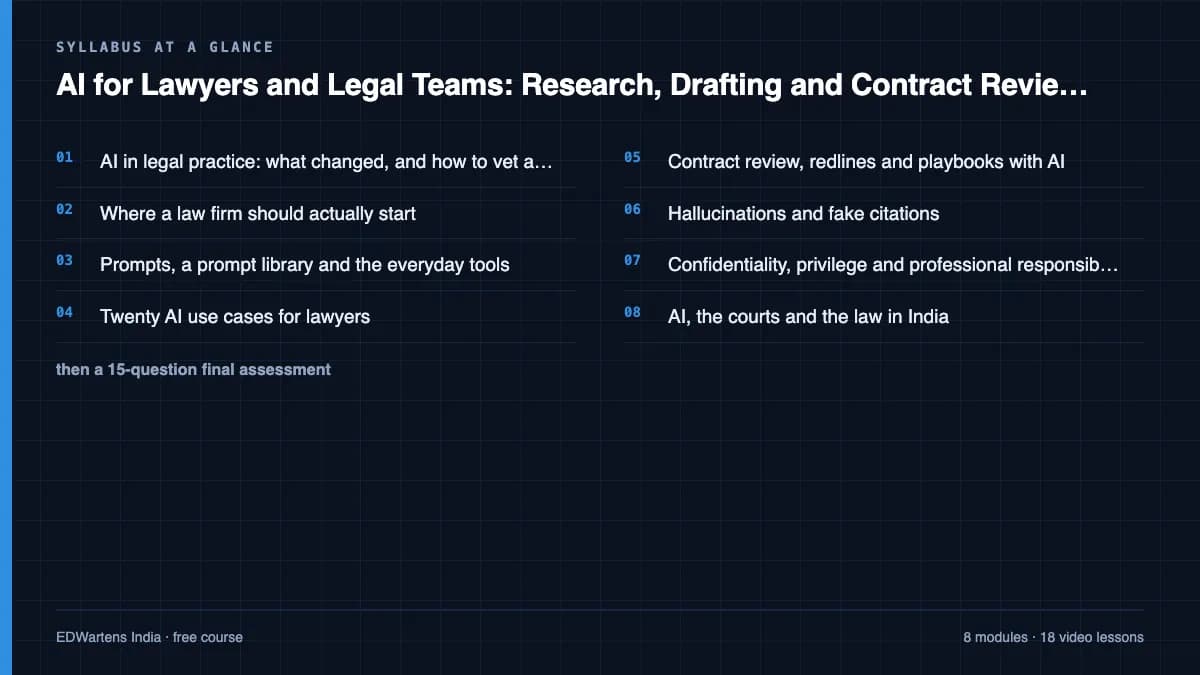
AI in legal practice: what changed, and how to vet a tool
Lawyerist.com

Where a law firm should actually start
Lawyerist.com

Prompts, a prompt library and the everyday tools
Lawyerist.com
Twenty AI use cases for lawyers
Law Insider (by SimpleDocs)

Contract review, redlines and playbooks with AI
Law Insider (by SimpleDocs)

Hallucinations and fake citations
Clio
Lesson frames belong to the creators named in the Credits below and are shown from YouTube.
What you will learn
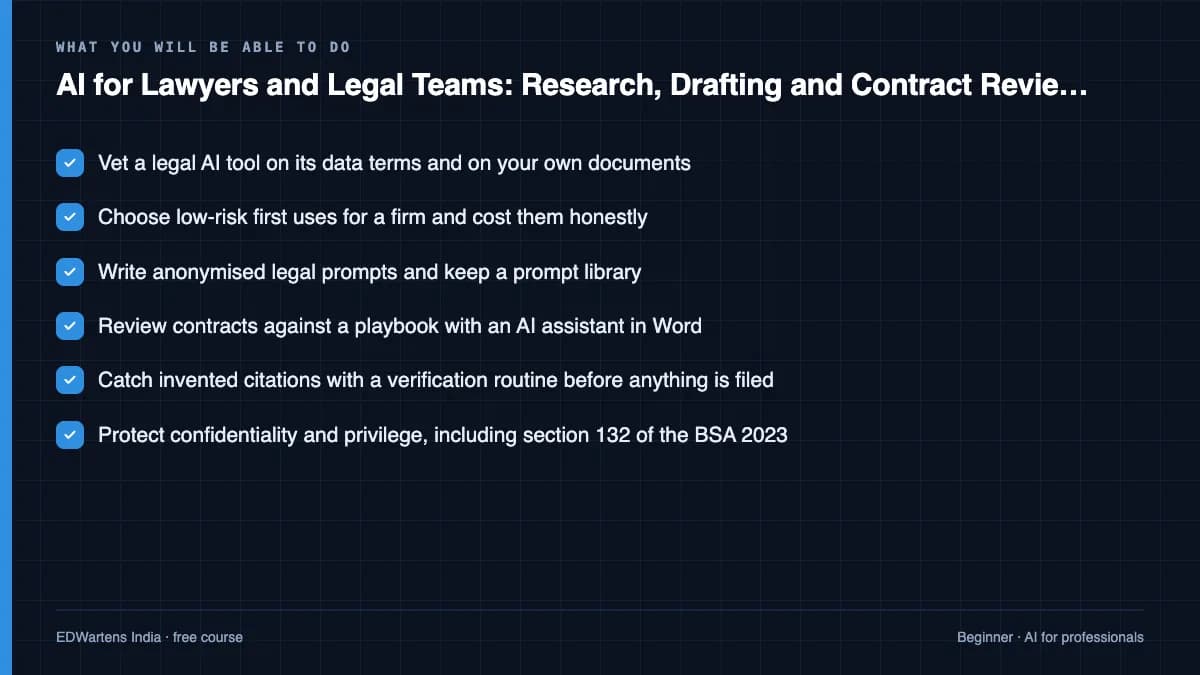
Vet a legal AI tool on its data terms and on your own documents; choose low-risk first uses for a firm and cost them honestly; write anonymised prompts and keep a prompt library; apply AI to research, drafting, correspondence and contract review; review a contract against a playbook and escalate the right clauses; verify every citation before it reaches a court; protect confidentiality and privilege under Indian law and the Bar Council of India rules; and explain how Indian courts are using AI and where they have drawn the line.
- Vet a legal AI tool on its data terms and on your own documents
- Choose low-risk first uses for a firm and cost them honestly
- Write anonymised legal prompts and keep a prompt library
- Review contracts against a playbook with an AI assistant in Word
- Catch invented citations with a verification routine before anything is filed
- Protect confidentiality and privilege, including section 132 of the BSA 2023
- Explain how Indian courts use AI and the limits they have set
- Handle clients' personal data in AI tools under the DPDP Act 2023, including breach notice
The course project · about 8 hours
Introducing AI for contract review at a commercial law firm: a policy, an NDA playbook, a risk register and a pilot report
Plan and evaluate the introduction of AI-assisted contract review at a mid-sized Indian law firm, as the partner responsible: write the firm's AI use procedure, build an NDA review playbook a tool can check against, set out the risk register, and report a six-week pilot with accuracy, time saved and citation checks. The sample pack shows each document for a commercial practice in Pune. No real client material is used at any point.
Sample document pack, 4 documents, filled in for the scenario
- ProcedureDeshmukh Iyer & Partners: use of AI tools in legal work
- RegisterNDA review playbook (disclosing party side)
- Risk registerRisk register: AI-assisted contract review pilot
- ReportPilot report: AI-assisted NDA review, weeks 1 to 6
Read inside the course and download as a workbook. The project is optional practice, marked when you submit it; the certificate needs only the modules and the final assessment.
Course content
9 modules · 19 lessons · 4h 49m
In order, at whatever pace suits you. Each module ends with a practice task that builds on the last.
- 01AI in legal practice: what changed, and how to vet a tool3 lessons12m
- 02Where a law firm should actually start2 lessons30m
- 03Prompts, a prompt library and the everyday tools2 lessons27m
- 04Twenty AI use cases for lawyers1 lesson52m
- 05Contract review, redlines and playbooks with AI5 lessons30m
- 06Hallucinations and fake citations1 lesson30m
- 07Confidentiality, privilege and professional responsibility2 lessons50m
- 08AI, the courts and the law in India2 lessons53m
Requirements
- Who it is for
- Beginner. For advocates, in-house counsel, paralegals, law firm managers and final-year law students. No coding and no technical background.
- Software
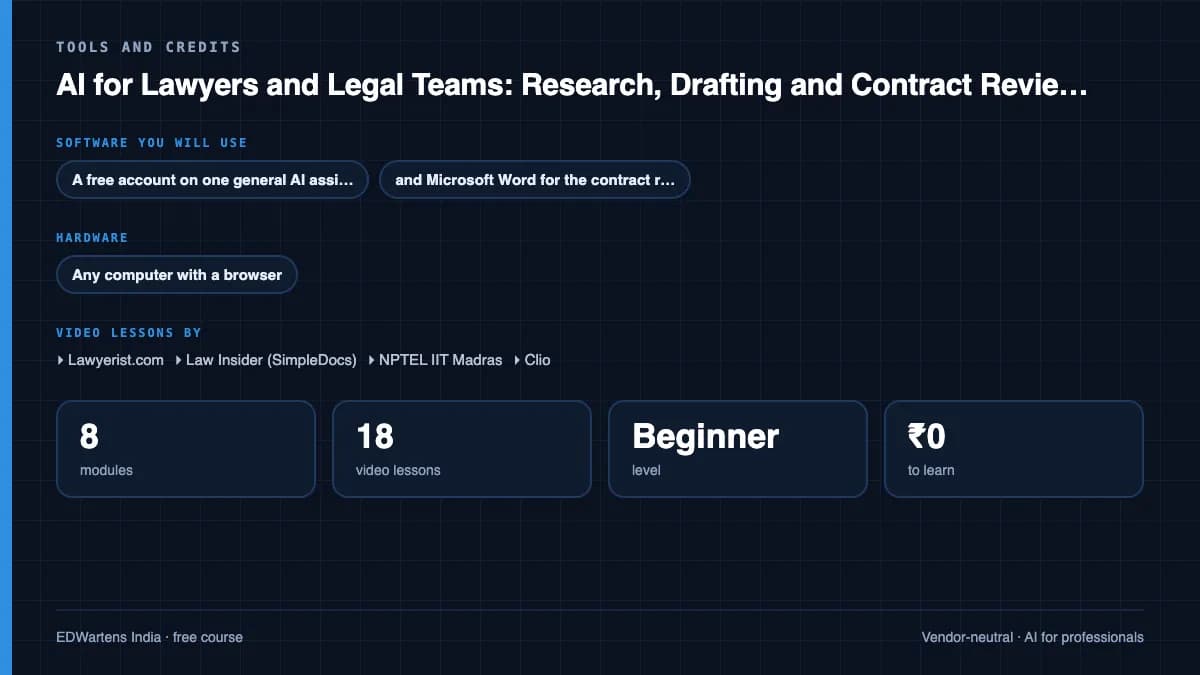
- A free account on one general AI assistant, and Microsoft Word for the contract review lessons. Nothing else to install. Never paste a client's confidential material into a public tool. What to download, and how
- Hardware
- Any computer with a browser.
Software you need
What to download, where from, what it costs and how to install it. Every link goes to the maker's own site, never a mirror.
Never paste a client's confidential material into a public AI tool.
Required
- 01Free web version with limits
Microsoft Word
Microsoft
- Runs on
- Word for the web in any modern browser; desktop apps for Windows and macOS with a Microsoft 365 subscription
- Account
- A free Microsoft account
Word for the web is free with a Microsoft account. The desktop app comes with a paid Microsoft 365 subscription, which offers a free trial, and fuller Copilot features need an eligible paid plan.
Steps
- 1.Open the Word page on microsoft.com and select Sign up for free, or Sign in.
- 2.Create or sign in to your Microsoft account.
- 3.Open Word for the web and start a blank document or a template.
- 4.Save to OneDrive, or download a .docx copy.
- 5.If a lesson needs a desktop-only feature, consider the Microsoft 365 free trial.
- Word for the web covers everyday writing, styles, tables and comments.
Official download pagemicrosoft.comAlternatives
- LibreOffice Writer: Free desktop word processor that opens and saves .docx.
- Google Docs: Free browser word processor with a Google Account.
One AI assistant
Any one is enough.
- 02Free plan with limits
ChatGPT
OpenAI, in the browser
- Runs on
- Any modern web browser, plus mobile and desktop apps
- Account
- A free OpenAI account
The Free plan allows everyday text chats. File uploads, image creation, voice and data analysis have tighter limits than paid plans, and ads may appear in some countries. Paid plans raise the limits.
Steps
- 1.Open chatgpt.com.
- 2.Click Sign up and create an account with your email, or a Google, Microsoft or Apple account.
- 3.Verify your email and confirm your details.
- 4.Type your question in the message box.
- Do not paste personal data, passwords or confidential work files.
- ChatGPT tells you when you reach a limit. Wait for it to reset or switch to a lighter task.
Open ChatGPTchatgpt.com - 03Free plan with limits
Claude
Anthropic, in the browser
- Runs on
- Any modern web browser, plus desktop and mobile apps
- Account
- A free Claude account (you must be 18 or over)
The Free plan covers chat on web, desktop and mobile, web search, file creation and Artifacts. Usage limits reset on a rolling five-hour window and depend on message length and features used. Paid plans give more usage.
Steps
- 1.Open claude.ai (or see the plans at claude.com/pricing).
- 2.Sign up with your email or Google account and confirm your email.
- 3.Confirm you are 18 or over and accept the terms.
- 4.Type your question in the message box.
- Long conversations and large files use up your limit faster. Start a new chat for a new topic.
- Do not paste personal data or confidential work files.
Open Claudeclaude.com - 04Free with limits
Google Gemini
Google, in the browser
- Runs on
- Any modern web browser, plus Android and iOS apps
- Account
- A free Google account
Free with a Google account, including a Flash model, limited access to the Pro model, image generation, Deep Research and Gems. Paid Google AI plans give higher limits. Some features require you to be 18 or over.
Steps
- 1.Open gemini.google.com.
- 2.Sign in with your Google account.
- 3.Accept the terms the first time you use it.
- 4.Type your question or upload a file in the prompt box.
- Use a personal Google account. Work or school accounts depend on your administrator's settings.
Open Google Geminigemini.google.com - 05Free
Microsoft Copilot and Microsoft 365 Copilot Chat
Microsoft, in the browser
- Runs on
- Any modern web browser, plus Windows, macOS, Android and iOS apps
- Account
- None needed
Microsoft Copilot is free for individuals; you must be at least 13 (older in some countries). Microsoft 365 Copilot Chat is included at no extra cost for organisations with an eligible Microsoft 365 licence and needs a work or school (Microsoft Entra ID) account.
Steps
- 1.Open copilot.microsoft.com.
- 2.Optionally click Sign in and use your personal Microsoft account.
- 3.Type your question in the message box.
- 4.For work or school use, sign in at microsoft365.com with your organisation account and open Copilot Chat.
- Copilot Chat with a work or school account adds enterprise data protection. Use it for work material if your organisation provides it.
Open Microsoft Copilot and Microsoft 365 Copilot Chatcopilot.microsoft.com
Checked against each maker's own page on 27 September 2026. Trial lengths and editions change; the maker's page is the final word.
AI for Lawyers and Legal Teams: Research, Drafting and Contract Review, Safely at a glance
AI for Lawyers and Legal Teams: Research, Drafting and Contract Review, Safely is a free, self-paced online course from EDWartens for lawyers, law students, paralegals and in-house legal teams. It has 9 modules and 4h 49m of video lessons by Lawyerist.com, Law Insider (SimpleDocs), NPTEL IIT Madras and others, with written notes and worked problems, a practical project with a document pack and a 15-question final assessment (pass mark 60%). Learning is free with an account; an optional certificate with a public verification code is issued when you pass. Last updated 27 September 2026.
All course factsHide course facts
- Price
- ₹0, free for good. No trial, no card. Comparable classroom training of this length costs about ₹2,999.
- Who it is for
- Lawyers, law students, paralegals and in-house legal teams
- Format
- 9 self-paced modules, 4h 49m of video, written notes, a practice task per module and one final assessment.
- Level
- Beginner. Beginner. For advocates, in-house counsel, paralegals, law firm managers and final-year law students. No coding and no technical background.
- Brand
- Vendor-neutral
- Software
- A free account on one general AI assistant, and Microsoft Word for the contract review lessons. Nothing else to install. Never paste a client's confidential material into a public tool.
- Hardware
- Any computer with a browser.
- Certificate
- Optional EDWartens Certificate of Completion, verifiable by code. Not a vendor credential.
- Video lessons by
- Lawyerist.com, Law Insider (SimpleDocs), NPTEL IIT Madras, Clio, Law Insider (by SimpleDocs), NPTEL-NOC IITM (independent creators, credited below)
- Language
- English
- Last updated
- 27 September 2026
A shareable EDWartens certificate
Finish every module and pass the final assessment, and the optional EDWartens certificate is yours. It carries a unique verification code on a public page anyone can check, so it stands up when a recruiter looks it up. See it below.
The course itself stays free whether or not you ever buy one.
Stuck? Ask a practising engineer
A free course usually means a comment section and hope. This one does not. Every module has an Ask-your-trainer panel that reaches the same engineers who teach our paid programme: people who commission panels for a living, not moderators.
Pairs well with
 AI for professionals · FreeMicrosoft 365 Copilot and Copilot Studio AgentsUse Microsoft 365 Copilot well and build your first agent: what Copilot, Copilot Chat and Copilot Studio each are, how grounding works, Copilot in Word, Excel, Outlook and PowerPoint, prompting and saved prompts, the Researcher and Analyst agents, building and grounding an agent in Copilot Studio, and responsible use.
 PLC programming · FreeSiemens TIA PortalFrom zero electrical knowledge to a working, simulated S7-1200 program, for nothing.
 PLC programming · FreeSiemens TIA Portal in Three HoursThe first three hours of the Siemens TIA Portal course, cut to end on a win: what a PLC is, how it is wired, a project configured in TIA Portal, and your first ladder program running in simulation. Finish it in an evening or two, earn a certificate, and carry straight on into the full course.
 PLC programming · FreeTIA Portal: Build a MachineOne machine, start to finish. Take a bottle filling line from a written specification and an I/O list to a structured S7-1200 program with a fill station, a capper, a reject sorter and an operator screen with alarms, then test it against a written record and archive it for hand-over. The lessons are the reference; the machine is yours, and it is what you submit.
More free courses: Free AI courses for professionals
Learner reviews
No reviews yet
Reviews here are written only by learners who have finished every module of AI for Lawyers and Legal Teams: Research, Drafting and Contract Review, Safely, and they are published exactly as written. Finish the course and yours will be the first.
Common questions
Is this course legal advice?
No. It teaches lawyers and legal teams how to use AI tools safely in their own work. It does not advise on any matter, and nothing in it replaces a lawyer's own judgement or research.
Who is the AI for Lawyers and Legal Teams course for?
Advocates, in-house counsel, paralegals, law firm managers and final-year law students, in India or elsewhere. The Indian law covered is the Bharatiya Sakshya Adhiniyam, the DPDP Act 2023 and the courts' approach to AI; the methods apply anywhere.
Do I need to buy a legal AI tool?
No. The exercises work with a free general assistant and Microsoft Word. The contract review lessons demonstrate one product's Word add-in; EDWartens is not affiliated with it, and the playbook method works with any tool.
Can I use client documents in the exercises?
No. Use public or invented documents throughout. The course teaches you never to put a client's confidential material into a public AI tool.
Is the AI for Lawyers and Legal Teams course really free?
Yes. Every module, the notes, the project and the final assessment are free.
What certificate does the AI for Lawyers and Legal Teams course give?
An EDWartens Certificate of Completion, issued when you pass the final assessment, with a number anyone can verify on our site. It is not a Bar Council qualification or CLE credit, and we never describe it as one.
How long does the AI for Lawyers and Legal Teams course take?
About 7.8 hours of video lessons, notes and practice questions, plus around 8 hours if you do the project. You can work through it at your own pace around practice.
What is the project in the AI for Lawyers and Legal Teams course?
You lead the introduction of AI contract review at a commercial law firm in Pune: an AI use procedure, an NDA review playbook, a risk register and a pilot report with figures that tie out. A worked sample pack shows each document, using invented material only.
Is the AI for Lawyers and Legal Teams course free in India, and what does the certificate cost?
Yes. Learning costs ₹0 in India: every module, the written notes, the practice tasks and the final assessment, with no card and no trial period. The only paid item is the optional EDWartens Certificate of Completion, ₹459 including GST for this beginner course, paid in rupees through Razorpay, and only if you want it after passing the final assessment.
What you walk away with
Your certificate for AI for Lawyers and Legal Teams: Research, Drafting and Contract Review, Safely
Finish the course, pass the final, and this is the document with your name on it.
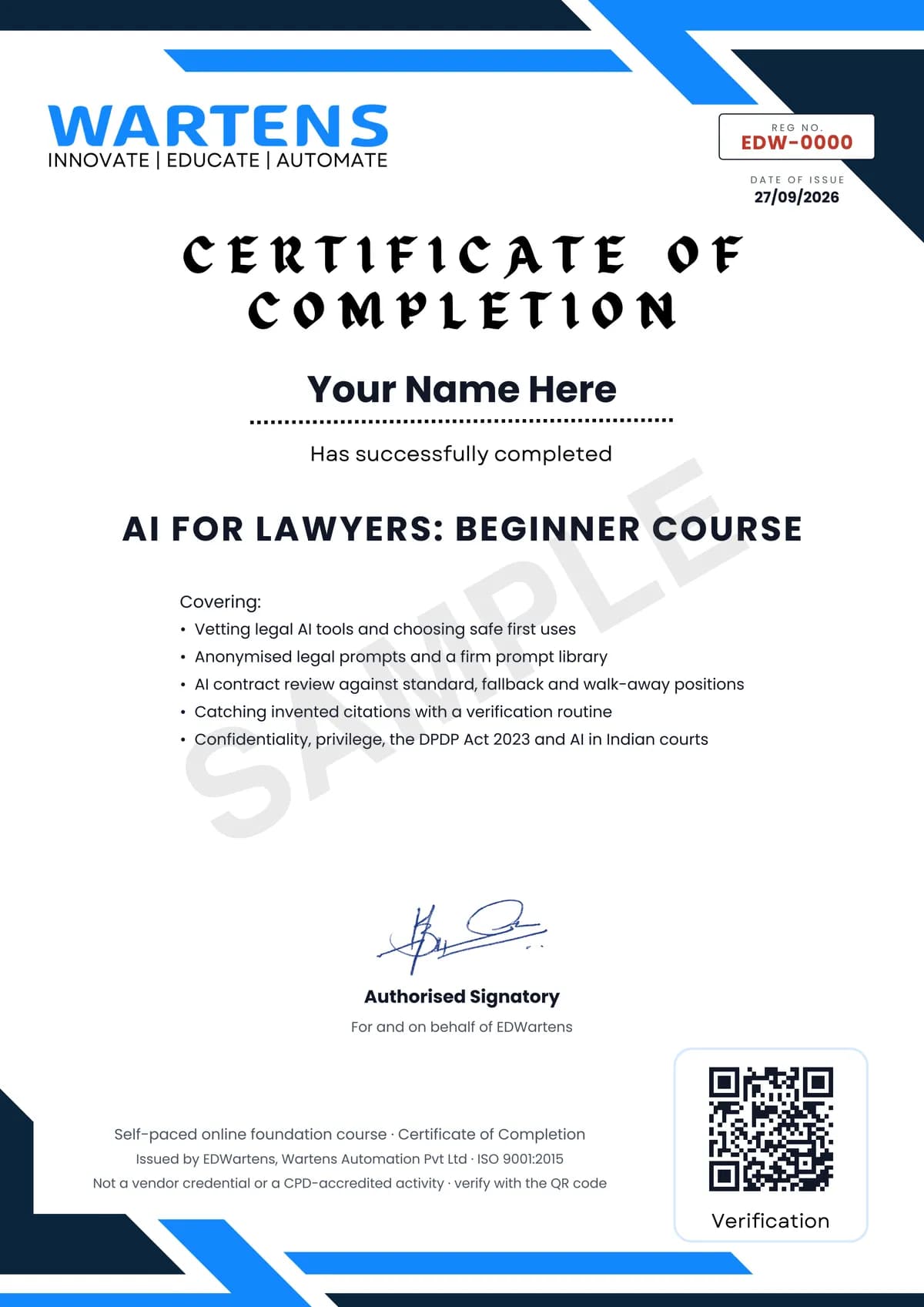
Verifiable by anyone
Adds to LinkedIn in one click
QR code on the certificate
Names what you can do
A permanent link
Earned, not attended
Learning is free. The certificate is optional.
Add it now and pay only when you have finished the course, or come back for it later. One-off, US$23.99, with a receipt.
Issued by EDWartens India (Wartens Automation Private Limited) as a Certificate of Completion for this self-paced course. It is not a vendor certification, a university award or a CPD-accredited activity, and it does not certify competence on live equipment. Delivered electronically; see the refund policy.
Credits
Who made the video lessons
The video lessons in this course were created by the people below, not by EDWartens. Every lesson streams from its creator's own YouTube channel; EDWartens neither hosts nor sells that footage, and the creators are not affiliated with EDWartens and do not endorse this course. What EDWartens wrote is the study plan, the notes, the practice tasks and the assessments.
- Lawyerist.comlessons on structuring a legal prompt, vetting legal AI tools, where a firm should start, prompt libraries, everyday productivity tools, and privilege when client material meets a public chatbot
- Law Insider (SimpleDocs)the 20 AI use cases session and the Word add-in lessons on contract risk review, clause drafting and benchmarking, and AI playbooks
- NPTEL IIT Madrasthe IIT Madras lectures on AI and the judicial system in India, the use of AI in Indian law, and AI, law and justice
- Cliothe lessons on AI hallucinations in court and on which AI tools may handle confidential discovery material
- KanoonPlus (Adv Ravi Kumar)the introduction on why Indian advocates need to adapt to AI
- Law Insider (by SimpleDocs)6 lessons in "Twenty AI use cases for lawyers" and "Contract review, redlines and playbooks with AI"
- NPTEL-NOC IITM3 lessons in "AI, the courts and the law in India" and "Final Assessment"
If you are one of these creators and would like a lesson removed or credited differently, write to info@wartens.com.